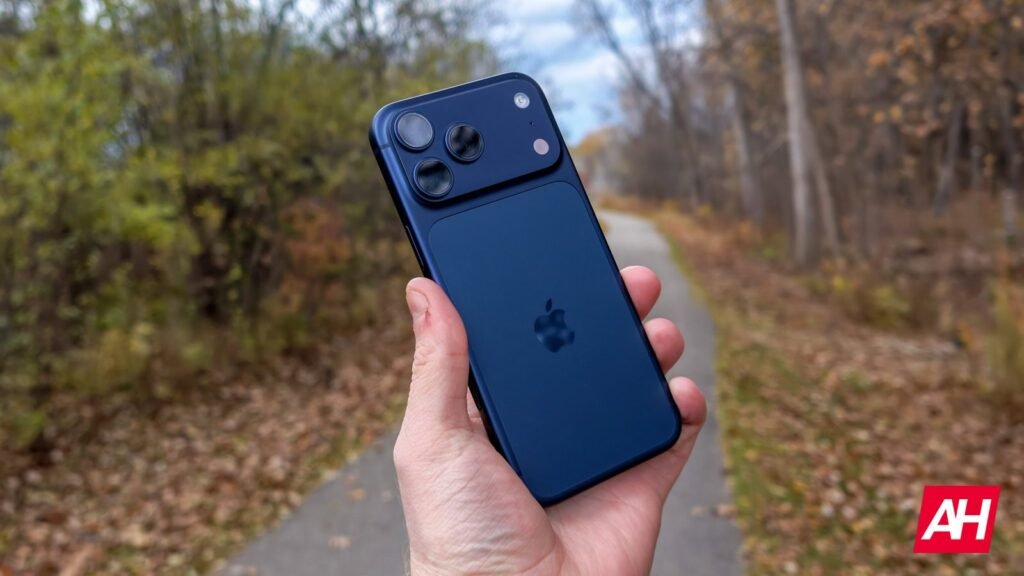

It is generally recommended that you do not go to the extremes with your phone battery. This includes letting it drop to 0%. This is because when it’s completely drained, charging it can cause strain, which makes it degrade faster. This is something iPhone 17 users are discovering with a dead battery.
iPhone 17 dead battery issue
In a post on Reddit, some iPhone 17 and iPhone Air users are discovering their phones have a dead battery issue. By that we mean that when their phone batteries die, they cannot turn it back on.
We’re sure that many of you have encountered that kind of situation, where you let your phone run until 0% and then it automatically shuts off. However, for the most part, letting it charge back up and turning it on again isn’t a problem. But in these instances, iPhone users cannot turn their phones back on.
The post by georgethornguy reads, “I’ve had the 17PM since release day and today is the first day it got to 1% and turned off. Afterwards, it just wouldn’t turn back on, even after an hour of being plugged into the wall. Wireless charging didn’t work either; it doesn’t even show the ‘out of battery’ logo. I tried force restarting with the volume buttons and power button and still, nothing.”
It seems that they’re not alone. Based on the comments, other users have chimed in with similar problems.
Is there a fix?
According to one of the comments, it seems that using MagSafe could work. But interestingly enough, you don’t necessarily need to use MagSafe to charge the device. User Aggravating-Buddy-82 writes, “This was definitely the fix I didn’t have a MagSafe charger but I had Apple Watch charger and I just tapped it on the back of the phone and then finally the charging logo popped up saying to plug in a cable. But that was a super weird bug.”
This appears to be a similar method staff at the Apple Store used, according to those who took their phones back to the store. It is unclear what exactly is causing these issues or if older models are similarly affected. Either way, if you encounter it, try MagSafe and see if that helps.
The post Your iPhone 17 Battery Died and Now the Phone Won’t Turn On? Here’s What to Do appeared first on Android Headlines.