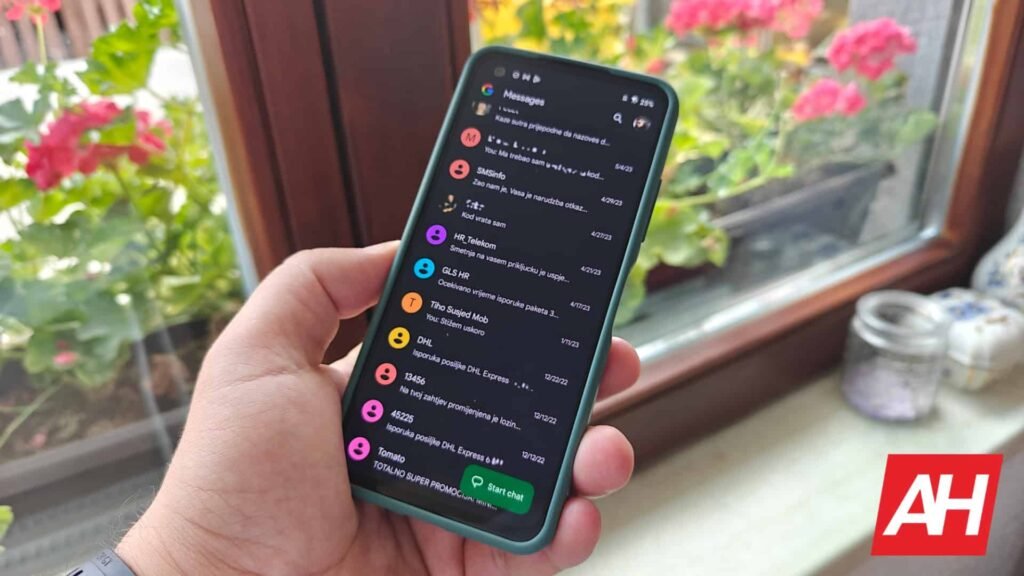

Google Messages packs in some really useful features that make the chats more seamless and personal. That said, it never stops to further improve the experience of the app. With phone sizes getting bigger by the day, Google Messages is making chat actions easier to reach with a new long-press menu that’s rolling out to more users.
Google Messages’ new long-press menu is rolling out more widely
A Reddit user, Lazy_Excitement_2602, has spotted the new long-press menu on the stable version of the Google Messages app v20260903_04. Other users in the comments also confirm seeing this on their end, even outside the beta program. It’s reportedly appearing on different models, including the Galaxy S23 Plus and S25 Ultra. This signals that the rollout is no longer limited to Pixel devices or beta testers.
As you’d expect, the redesigned menu appears when you long-press a message. This replaces the old top toolbar with a floating list. It includes actions like Reply, Forward, Copy, Star, Delete, Select more, and Info. This makes reaching them much easier instead of stretching the thumb to the top of the display. For photo messages, there are options like Remix and Save.

Selective text copying
That’s not everything. The neat addition as part of this rollout is selective text copying. Instead of copying an entire message, you can now long-press a message and drag the selection handles to copy only the text you need. This can be handy when you want to copy an address, code, or sentence.
It was reported back in August that both changes were rolling out more widely to Google Messages beta users, but availability was mostly controlled by Google’s servers. While that still seems to be the case, more users are now getting the features. Stable users are also starting to see the redesign, but it may take some time to reach everyone.
The post Google Messages Finally Rolls Out a Handy New Long-Press Menu appeared first on Android Headlines.