

Apple has shared a new video showcasing its latest child safety features on iPhone, iPad, and Mac. The company posted the following video on its official YouTube channel on September 24. It guides parents on how to access new child safety features that were added in iOS 27, iPadOS 27, and macOS 17.
Apple releases a video showing its new child safety features added in iOS 27
In the video, Apple shows an animated guide on how to use child safety control features across its devices. To begin with, the video starts with setting up a Child Account, which lets parents choose safeguards based on a child’s age.
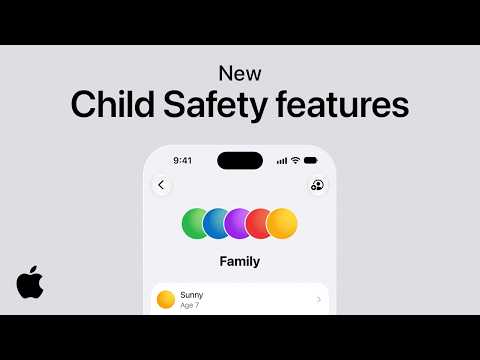
Parents can then decide which types of apps and games their children can use. They can also approve new downloads through Ask to Buy. In the video, the Cupertino tech giant highlights a new feature called “Ask to Browse.” The tool lets parents approve or deny access to websites in Safari. The controls are designed to give parents more say over what their children can access on the device.
Parents get more control over their children’s phone
The video highlights several child safety features present across Apple devices. The media covers controls for approving new contacts and Apple’s expanded Communication Safety feature. Moreover, New Time Allowances and Schedules tools are highlighted as well. Importantly, the firm has presented the features as a core part of the Child Account setup. It is not presented as separate features that parents need to find across different parts of their devices.
The video follows Apple’s release of new child safety features with iOS 27, iPadOS 27, and macOS 27. The company has added better control for parents. It has also added new controls that can be modified according to the children’s age. The company uses simple animations and a playful sound in the video. Moreover, it intends to spread awareness of the new child controls to parents.
The post Apple Shows New Child Safety Features Across iPhone, iPad and Mac appeared first on Android Headlines.