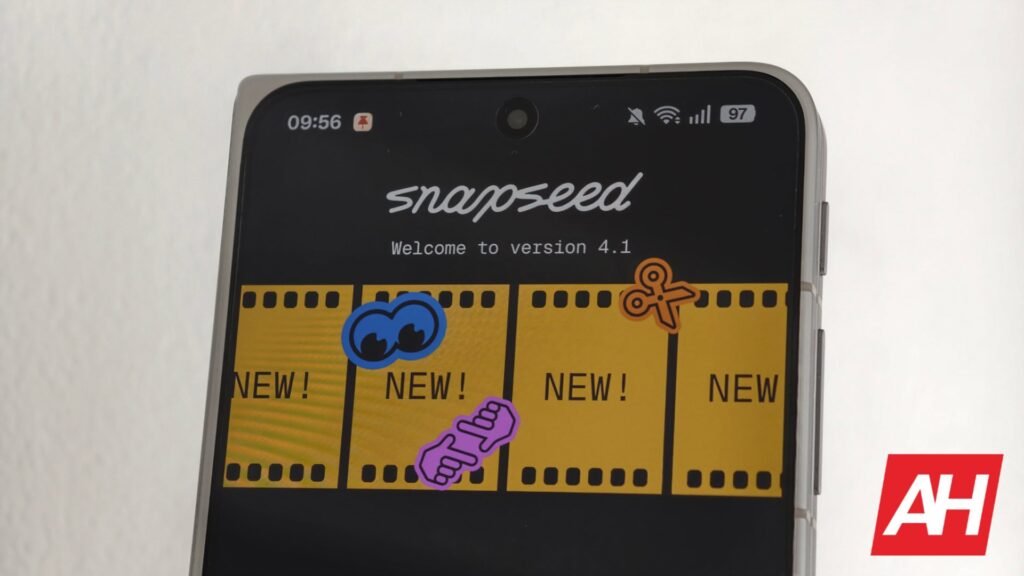

Snapseed for Android got no major attention until a few months ago. But things changed with the big Snapseed 4.0 update back in May. That opened doors to a wave of new features, including LUT support, RAW image support for most camera formats, and others. It seems there’s more coming. After reports of Snapseed’s new collage-making tool surfaced a few months ago, today’s leak gives us a glimpse of it.
Snapseed’s new collage tool leak gives us an early look at the interface
Folks at Android Authority, while digging through version 4.1.9 of Snapseed, uncovered a collection of new features hiding in the app. Firstly, the app might get a new collage creator with several ways to arrange your photos. It will reportedly support 1:1 (square), 4:5 (post), 9:16 (story), 16:9 (wide), 3:4, 4:3, and 5:4 aspect ratios. There’ll be various grid layouts available, including Center Square, 1+2, 1+3, 2+1, 2 Column, 3 Column, 2 Stack, 3 Stack, and more.
The canvas formatting page lets you change the background, adjust spacing, and includes a “Snap to grid” toggle. There’s a slides interface where you can reportedly move slides left or right, duplicate them, or delete them. A Connected Slide option also lets you merge or separate slides, giving you more control over the project. From the looks of it, you can use it to create multiple collages or carousel-style posts in one project.


Layers will let you add stickers, text, and more
The Layers option apparently lets you add photos, text, stickers, or even another slide. You can also swap layers and lock them to prevent accidental changes while editing. Besides that, the report notes that the in-development interface also lets you duplicate layers or rotate them 90 degrees.
The report adds that they’re seeing a masking option that lets you crop images in Rectangular or Radial shapes. There’s a slider to tweak the corner radius. The Advanced layer styling options let you modify the border color and width, adjust opacity, and choose from multiple blend modes. There are dedicated sliders for shadow blur, distance, and opacity.
It also has a color selection tool that accepts Hex code inputs. It apparently lets you save or manage custom colors and adjust luminance with a slider. A textures menu is present that offers several presets that you can customize.


The rollout timeline is not clear
Android Authority reports that the templates you’ve created can be saved for future use. It might get a QR-code-based sharing feature, where others can scan the code to use your template. There are apparently references to a “copy-link” option. You can save the project, export all or parts of a collage, or save a copy. There’s also an option to delete the project, along with common tools like reset and undo/redo.
The report adds that most of the collage tool appears ready, but it’s not clear when Google will roll out these new updates to Snapseed.


The post Snapseed Could Soon Get an Advanced New Collage Tool appeared first on Android Headlines.