
The YouTube app for TVs, including Google TV, is getting a new small but practical accessibility improvement. One that makes navigating easier than before. The YouTube app for TVs is rolling out a new design for the sidebar that makes Library and Subscriptions shortcuts easy to access, while also showcasing some of your recently-watched channels.
YouTube’s TV app revamps sidebar for easier Subscriptions and Library access
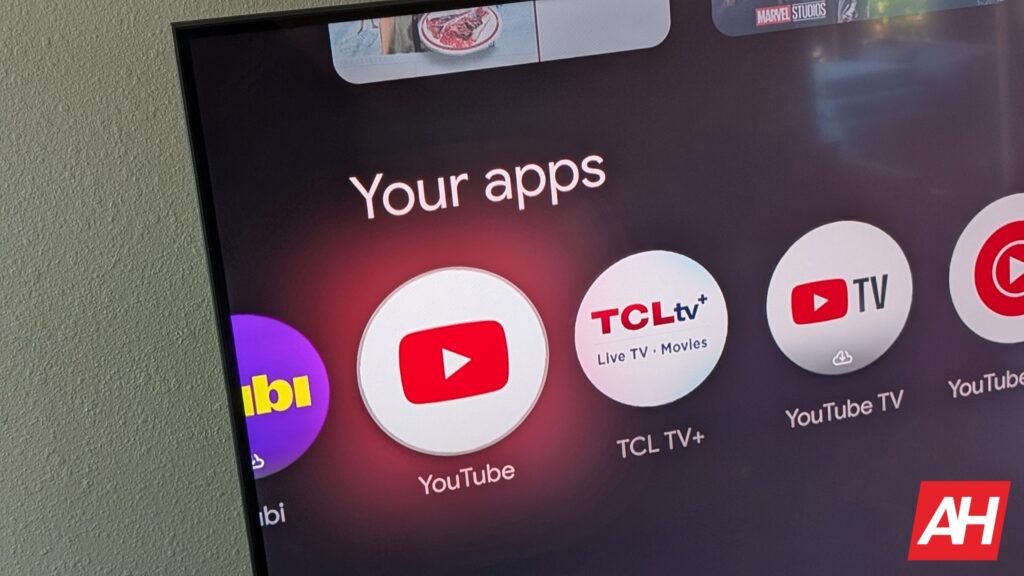
The existing sidebar shows key shortcuts (from top to bottom) like Search, Home, Music, Movies & TV, Podcasts, Subscriptions, Library, and a “More” overflow tab. The Settings option is at the very end. While things work as is, shortcuts for subscriptions and the Library are all the way at the end, which takes more clicks to reach them.
The new design, as reported by 9to5Google, fixes that by moving Subscriptions and Library closer to the top, right below Search and Home. It also seems to add quick shortcuts to a couple of channels, though the report says it is not clear whether these are recently viewed, recently subscribed, or algorithmically determined. They continue to show up on the sidebar, even in its collapsed state.


Seems to be a server-side rollout
While this seems like a minor tweak, it should make the two most-used shortcuts easier to access. Below the Subscriptions and Library, there are shortcuts for News, Live, Podcasts, Music, Gaming, and Sports. However, this may change depending on your TV. Regardless, the Settings shortcut will be at the bottom.
This minor yet welcome design update appears to be a server-side change. It doesn’t seem to be widely rolling out yet. It’s not clear when the company will push it more widely at the moment. Some users have started noticing this on their Google TV and even Samsung TV. We’ll update when we hear more about a wide rollout.
The post YouTube for TV Gets Sidebar Redesign to Make Navigation Easier appeared first on Android Headlines.