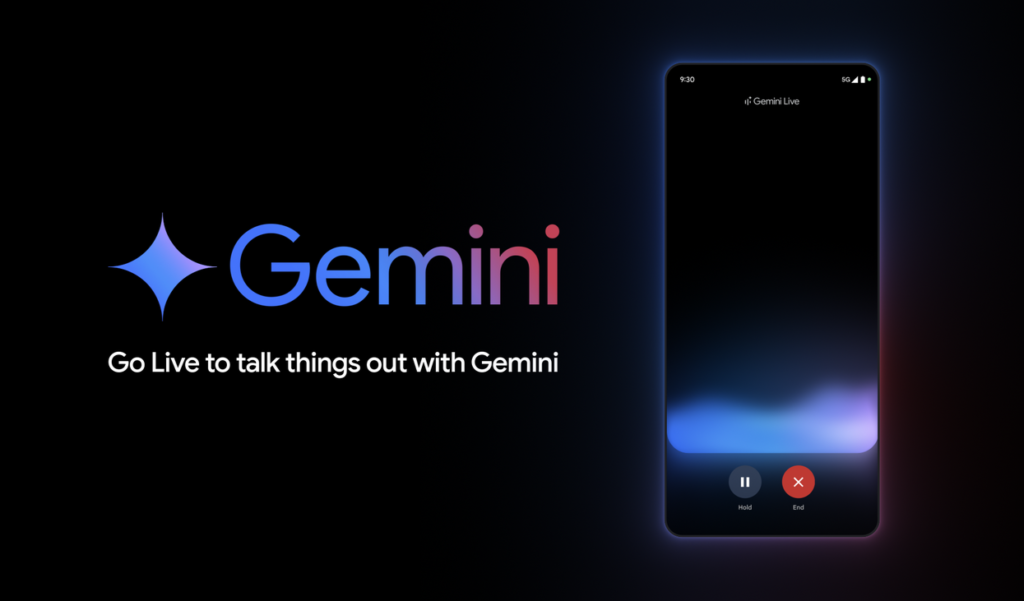

The core selling point of Gemini Live is its fluid, full-duplex conversational nature. Unlike older digital assistants, Gemini Live mimics human interaction by constantly listening to your voice input, even allowing you to interrupt mid-sentence to steer the topic. However, anyone who has attempted to use this conversational model in a noisy coffee shop or a busy office knows that a microphone that is always listening can quickly turn into a headache. Fortunately, Google developers are working on a retro-inspired solution: a Push-to-Talk button for the smartphone app.
The walkie-talkie approach
A deep dive by Android Authority into the underlying architecture of the latest Google app release—specifically version 17.38.5.sa.arm64 for Android—has exposed an unreleased user interface overhaul designed around manual control. Instead of leaving the microphone open indefinitely, the system code reveals that Google is building an optional Push-to-Talk (PTT) setting.


When a user engages this parameter, the conversational assistant behaves exactly like an old-school walkie-talkie or a regional cellular network from the early 2000s. The interface completely swaps out the traditional open-microphone layout. It drops the standard mute toggle in favor of a massive, centralized PTT microphone button. The application will only record and transmit your voice data for as long as your finger physically holds down that button, immediately cutting off the feed the moment you lift your hand from the screen.
Navigating the new interface layout
The unreleased layout ensures that users are not permanently trapped in this half-duplex configuration. An informational pop-up screen built into the system files will guide users through the initial setup, explaining how the manual input mechanism functions. If a user decides they want to return to the standard, natural back-and-forth conversational mode, they can easily disable the walkie-talkie behavior via an overflow menu sitting in the upper-right corner of the window.
The update also preserves Gemini Live’s video features. Tapping the camera icon inside the new interface will still prompt the user to choose between sharing their real-time camera view or streaming their active smartphone screen layout directly to the model.
The Android Headlines Take
This is a nice quality-of-life update that could solve one of the most frustrating aspects of modern conversational AI. While an always-listening microphone sounds wonderful inside a quiet testing lab, real-world environments are loud, chaotic, and full of background chatter. Currently, if a coworker talks to you or a barista yells out an order while you are using Gemini Live, the assistant often gets confused and tries to integrate those random background words into its response.
So, let’s hope the manual push-to-talk button gets the green light and makes it to the stable version of the assistant.
The post Google Prepares a Walkie-Talkie Style Push-to-Talk Mode for Gemini Live appeared first on Android Headlines.