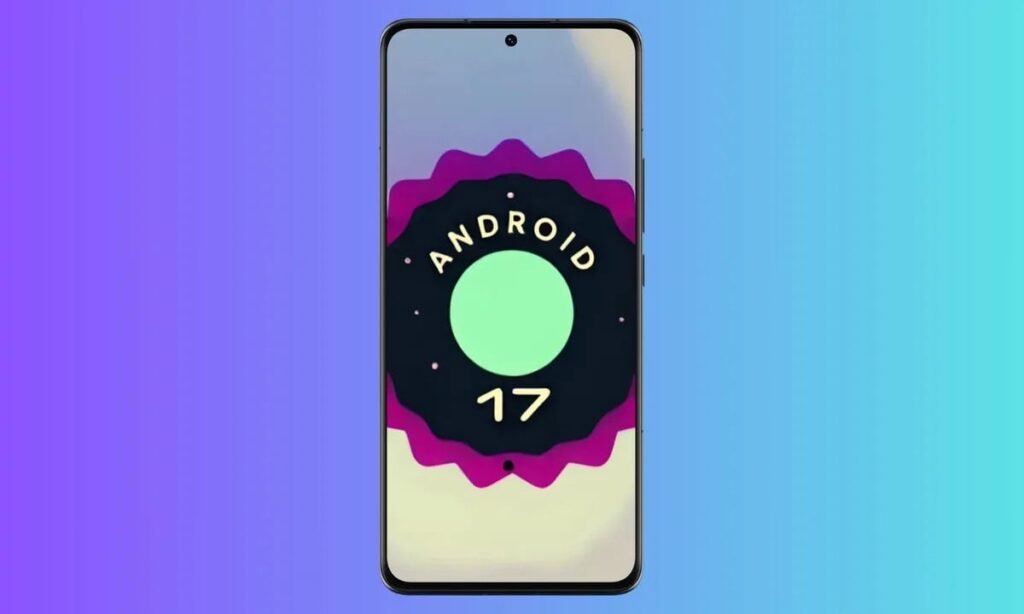

Google has just announced and started rolling out the Android 17 QPR 2 Beta 1 build. This is the latest beta update for Android 17, and it brings quite a few bug fixes to improve stability. The update is available for compatible Pixel devices (the Pixel 6a and newer).
Android 17 QPR 2 Beta 1 brings quite a few fixes to the table
What issues have been fixed here, though? Well, if you’ve been having problems with Bluetooth re-pairing following a remote bond loss, that should no longer be an issue.
Media player controls will no longer flash on the lock screen upon waking the device. They tended to do that despite the fact that the app’s notifications were disabled.
There was also an issue with a system crash causing Pixel devices to unexpectedly reboot when invoking Gemini, which has been fixed too. Google also fixed a drag-and-drop gesture bug which caused the source application to stop receiving touch inputs if you invoke the gesture with multiple fingers.
An issue with notifications becoming invisible should no longer be a problem
Notifications were also randomly becoming invisible in the notification shade until you restarted the device… that has been fixed as well. Google also fixed an issue causing ML-DSA key generation to fail.
An issue in AccessibilityNodeInfo.toString() where window bounds were incorrectly logged using screen bounds has also been fixed. That was causing misleading accessibility debugging data.
The last fix has to do with window-level UI blur effects. They failed to render at times.
If you’re already in the beta program, you’ll get this update promptly if you haven’t already. If you’re not, do note that you need to get it via the Android Beta program if you don’t want to lose your data.
Another thing to note is that if you opt out of the program after installing this beta update or the ones that follow, your user data on the device will get wiped. So if you revert back to stable at some point while on a beta build. That’s a very important thing to remember.
The post Android 17 QPR 2 Beta 1 Is Here for Pixel 6a and Newer — Here’s the Full Changelog appeared first on Android Headlines.