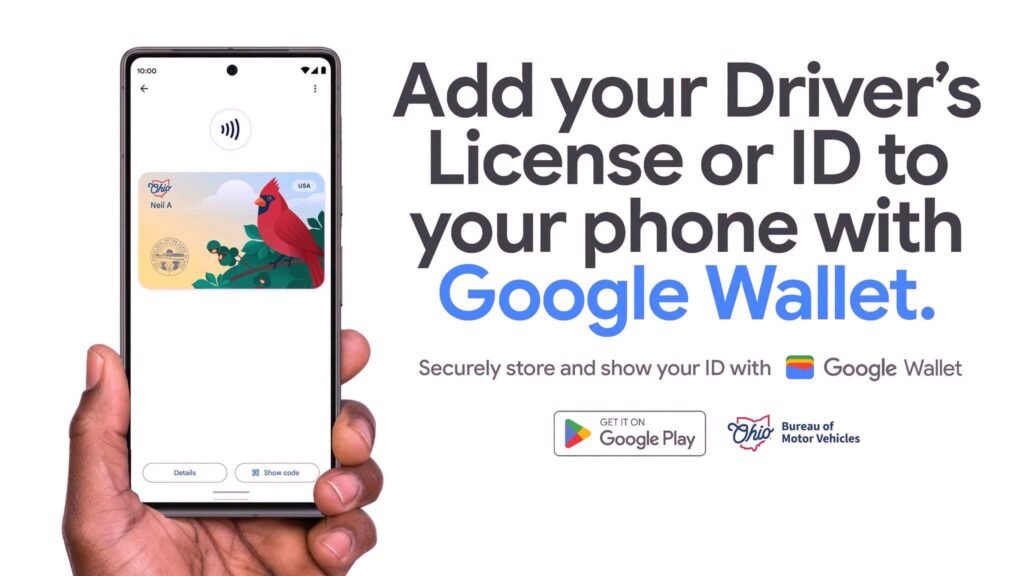

Android users across the Buckeye State can finally leave their plastic credentials in their pockets a bit more often. After a 10-month pause in expanding its mobile credential program, the Ohio Bureau of Motor Vehicles announced that residents can officially set up an Ohio driver’s license in Google Wallet starting today.
The update brings long-awaited feature parity to Android owners, following the initial Apple Wallet rollout that launched back in 2024. Celebrating the release, Governor Mike DeWine highlighted the integration as part of an ongoing effort to streamline BMV services. BMV Registrar Charlie Norman also confirmed the rollout delivers on a long-standing request from Android users seeking a secure, digital alternative to physical IDs.
Where you can use your Ohio Mobile ID
While state officials still advise carrying your physical card for routine traffic stops, the new mobile pass unlocks significant convenience for everyday identity checks.
Residents can present their digital ID to confirm their age or identity at participating local businesses, inside state government buildings, across Ohio casinos, and at every TSA airport security checkpoint nationwide.
The digital card design proudly displays Ohio’s state bird—the Northern Cardinal. It operates much like contactless tap-to-pay tech. This means verification happens wirelessly via encrypted NFC or QR code scans over Bluetooth. That means you never have to hand your unlocked phone over to a cashier, bouncer, or security officer. You simply hold your phone near the reader, review the exact details requested on your screen, and approve the data release with a face scan, fingerprint, or PIN.
How to set up your mobile ID on Android
To get started, you need an Android device running Android 8 or higher with a secure screen lock enabled:
- Open the Google Wallet app. Tap View more and then the plus icon (+) Tap Add to Wallet.
- Select IDs & personal info, tap Driver’s license or state ID, and choose Ohio from the list.
- Take clear photos of the front and back of your physical card.
- Record a quick facial verification video to confirm your identity directly with the BMV.
Once submitted, the state agency processes your verification, sending both an email and an app notification as soon as your pass goes live.
High-level privacy and security controls
To address privacy concerns, your mobile ID remains strictly local. The digital card acts as a private pass tied to a single physical device rather than syncing to cloud backups.
If your phone ever gets lost or stolen, you can remotely wipe your credentials from your device via myaccount.google.com. You can also delete the pass directly through your Google Wallet settings whenever you choose.
With this release, Ohio becomes the 12th region supported by Google Wallet’s digital ID system—joining Arizona, Arkansas, California, Colorado, Georgia, Iowa, Maryland, Montana, New Mexico, North Dakota, and Puerto Rico—as digital state credentials become an everyday reality on Android.
The post Android Users in Ohio Can Now Store Digital Licenses in Google Wallet appeared first on Android Headlines.