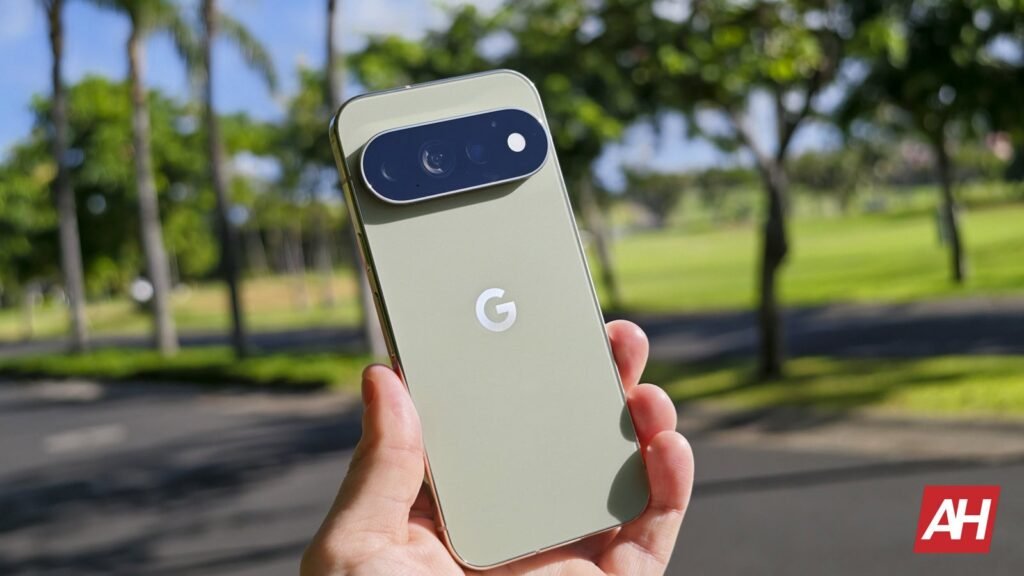

The Pixel lock screen is getting some new customization options according to information discovered in the Wallpaper & Style options on a Pixel device running on the Android 17 QPR3 Beta. Google pushed out this Android 17 beta software on October 2 to compatible Pixel devices, and while there hasn’t been a massive list of sweeping changes with this update, Google has pushed a few things, like this new customization menu for the Pixel lock screen.
The update was primarily about fixing different bugs and other issues popping up on Pixel phones. Such as app crashes and bugs with the camera software.
The Pixel lock screen customization includes several different adjustable elements
The main detail with this customization screen appears to be the fact that you can get to everything on one single screen. If you want to adjust the wallpaper for the lock screen, there’s a menu for it right there. You’ll also find menus for colors, clocks, widgets, and media. All in one place, easily accessible.
You can already adjust all or most of this stuff from the current Wallpaper & Style app but the process is a little bit more disjointed and not as seamless as what’s being shown in the screenshot. That act of trying to simplify things will give users fewer screens to go through. It also appears that this new screen will let users shift between tabs with the tab navigation at the bottom, as opposed to scrolling to the bottom of the customization screen and tapping on menus to go to a completely different screen.
That being said, it’s not clear when or if Google plans to push this change out to users with a stable release. The “media” section is also new and isn’t a customization element that users have access to currently. Since this is part of a recent beta, it’s suspected that Google might not actually push this feature change out for a little while.

The post Pixel lock screen customization would be so much easier this way appeared first on Android Headlines.