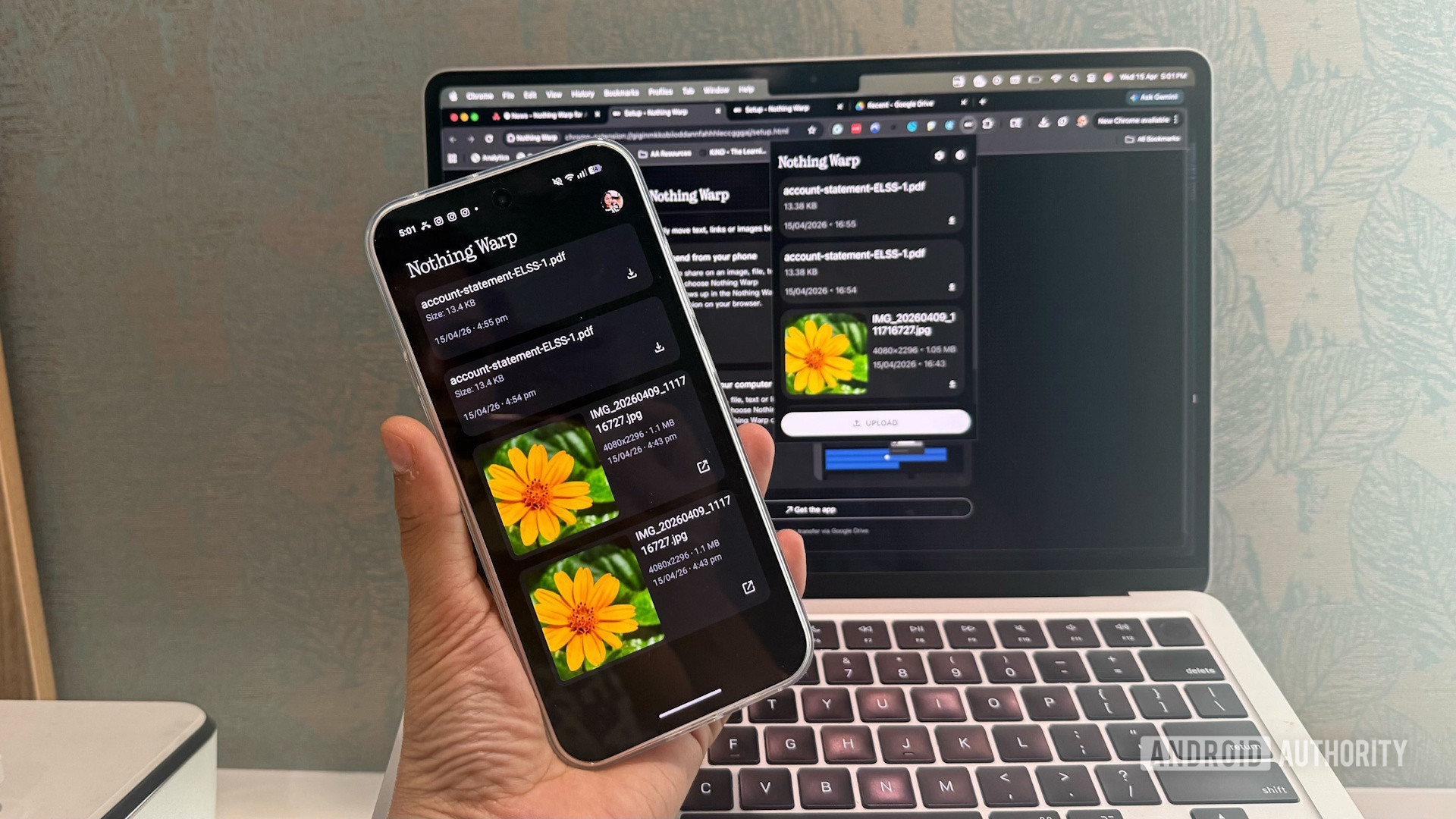
- Nothing Warp is a new Android app and Chrome extension combo that transfers files, links, and clipboard text between Android devices and Mac, Windows, or Linux desktops.
- The service uses your Google Drive as a temporary bridge; files are automatically deleted from the cloud once the transfer is complete.
- The tool works on all Android phones—not just Nothing devices—but requires extensive browser permissions and a shared Google account.
Nothing has had a successful year so far, with its new Nothing Phone 4a Pro selling better than the company anticipated. Carrying over the momentum, today, Nothing has launched a new app, Nothing Warp, that allows Android users to transfer files between their Android phone and their Windows desktop or MacBook.
Nothing Warp started off as an internal tool for file transfers, but the company has now released it to the public. It aims to allow users to seamlessly send files, links, copied text, and images between devices. You’ll need two apps — Nothing Warp on your Android phone or tablet, and the Nothing Warp browser extension for Google Chrome on macOS, Windows, and Linux. You’ll also need to sign into devices on both sides using the same Google account.