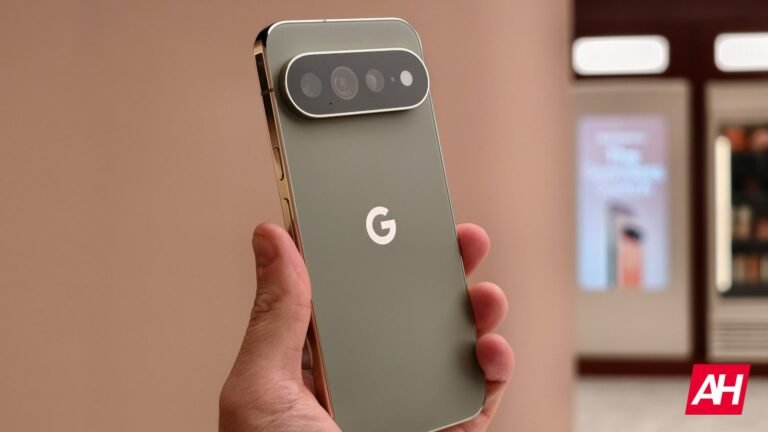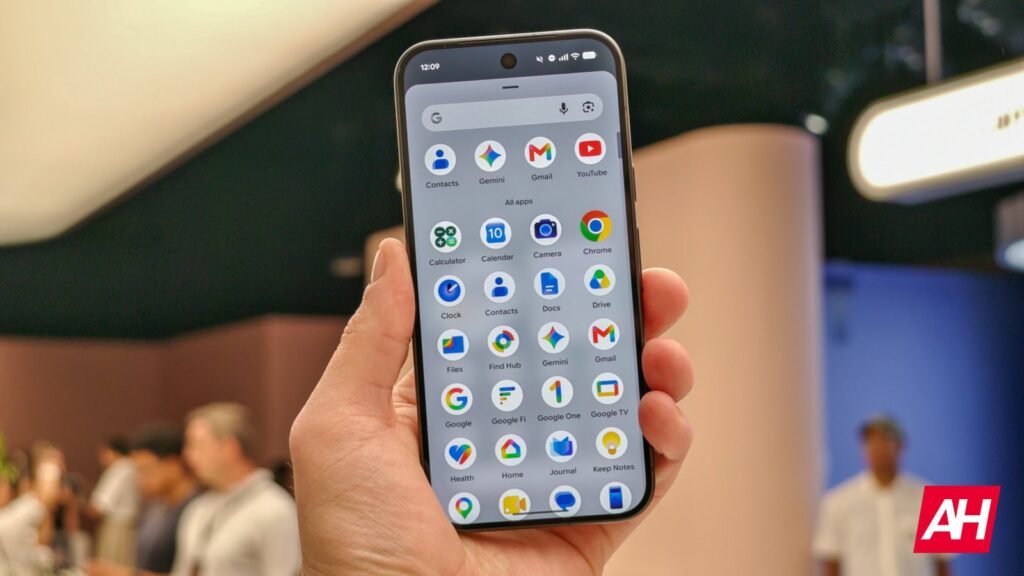

Google has a tendency to change icons for its apps more often than you would think, and with the launch of the Pixel 11 series phones it has done so once again with the Pixel Camera app, as well as several of its other Android apps including Google Calculator and more. Google officially announced the Pixel 11 phones on August 12 as its Made by Google event.
At the show it revealed the Pixel 11, Pixel 11 Pro, Pixel 11 Pro XL, Pixel 11 Pro Fold, Pixel Watch 5, Pixel Tag, and a new color of the Pixel Bids Pro 2. In terms of icon changes, the Weather app has adopted a new white background to replace the blue background that most people are going to see. Google has also changed the background color for the Recorder app. Prior to the change, this was a reddish background color with the waveform in white sitting against the backdrop. This has been essentially flipped around. The background is now white, and the waveform is now red, while also being a little thicker to take on Google’s stylized design elements that are more common these days.
The Pixel Camera icon change isn’t huge but it’s noticeable
If you don’t look close enough, it would be easy to miss, but the change to the Pixel Camera icon is relatively easy to spot as well if you spend any longer than one or two seconds looking at it. The current icon evokes the design of a DSLR camera and the body of the camera itself is one large rectangular shape that’s connected to the flash on top. The new icon is much the same, but the body of the camera now has a more stylized look and it’s using the gradient color design, with the darker part of the gradient at the top of the camera body and getting lighter as it goes down.
Additionally, the flash part of the camera that is centered above the camera body is now a lighter color than the body itself. The Calculator app has been changed to a series of four stylized green circles with the calculation symbols inside of them. There have been some other subtle changes to the Clock app as well.
The post Google’s updated app icons bring more stylized flair appeared first on Android Headlines.