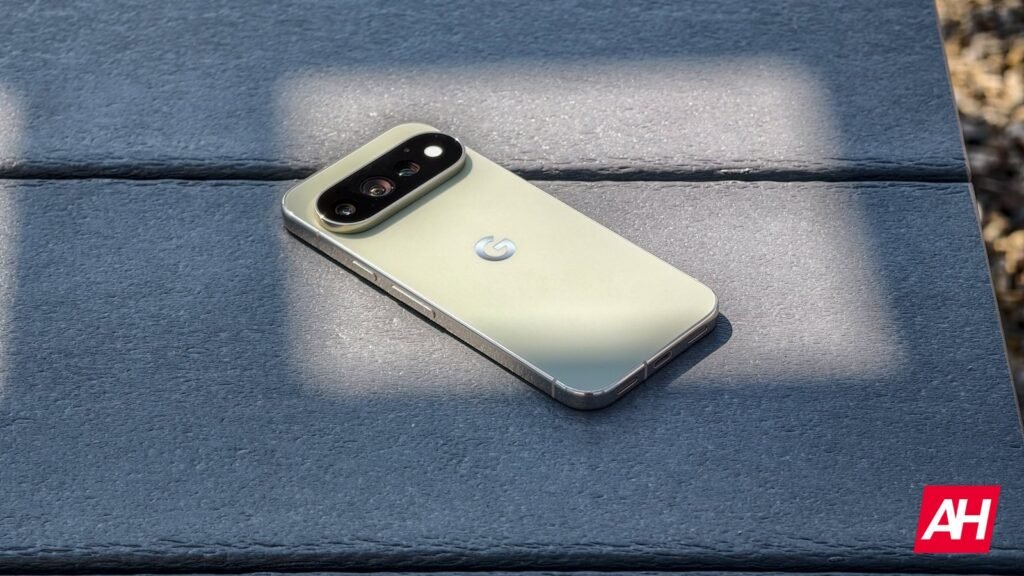

Google, historically, has not shown ads for its own hardware on its own hardware, but that is reportedly changing with ads now surfacing in the My Pixel app, but ads aren’t limited to just inside the app after you launch it. Ads are also reportedly showing up in the notification panel coming as an alert from the app.
Ads for product offers will vary by user, but are showing up as discount offers for Google’s new Pixel 11 series phones. Google officially announced the Pixel 11 phones back on August 12, and they went up for sale at online retailers as of August 20. The ads are on by default, but it’s also possible to turn them off in a couple of different ways.
You can disable the My Pixel app ads that Google is showing you
Ads have become a standard part of life, but you can disable these new Pixel ads if you don’t want to see them. The process is pretty simple and takes just a minute to do. There are also two methods to shut these off. First, you can disable notifications for the My Pixel app altogether. Doing this will also take away notifications from the app that are meant to be tips and tricks on how to use the unique Pixel features, some of which come up following a Pixel Feature Drop.
The other method is to just disable one key part of those notifications. This toggle is called New Products and Offers. To find this toggle, start by going to your app launcher, then long pressing on the My Pixel app icon, then tap on the App Info option. Alternatively you can go to settings, notifications, app notifications, then tap the drop down menu and tap on all apps, scroll to find the My Pixel app.
From here, tap on the My Pixel drop down, then tap on the toggle for New products and offers to disable it. This lets you keep the tips on for features, but without having to see the ads.
The post Google stoops to showing Pixel product ads in notifications appeared first on Android Headlines.