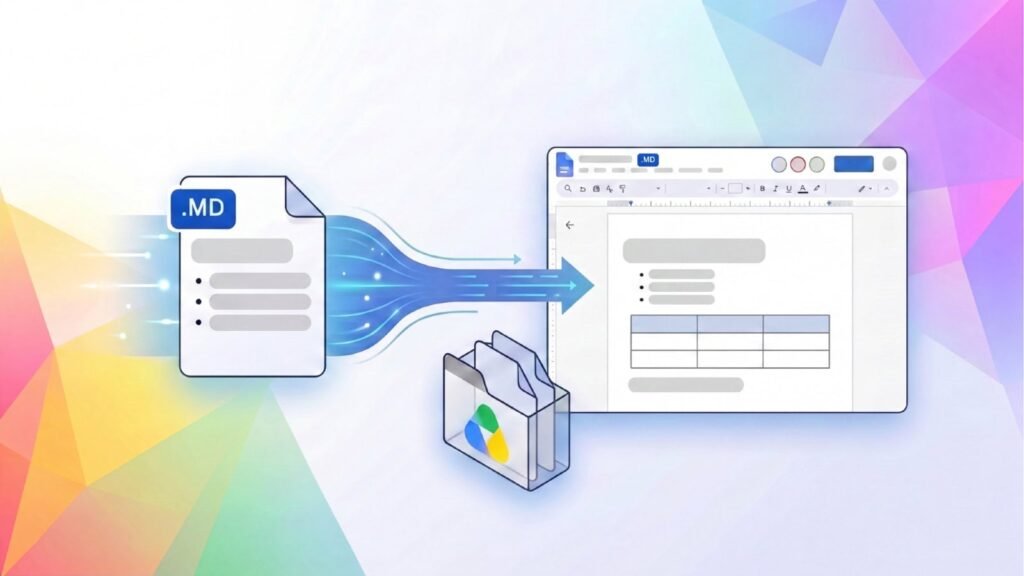

Google Docs now finally lets you natively open, edit, and collaborate on Markdown files without the need to convert them to another format. Markdown (.md) is an easy text format that uses headings, tables, and lists to structure or organize content.
Google Docs now lets users edit and collaborate on Markdown files without conversion
Google Docs already makes collaboration easy, whether you’re working on a project, reviewing someone’s work, or making any changes. All it takes is a shared link. However, collaborating on Markdown files isn’t very convenient. Google says its use in Google Drive has grown year over year, hinting at its importance in modern workflows.
With AI agents handling tasks like planning, coding, and more, Markdown is becoming a common format for people and AI tools alike because it’s easy for both to read. Until now, sharing Markdown files with those unfamiliar with the format could be tricky. They might struggle with the formatting or need to convert the file to a Google Doc. Well, this update tries to bridge this gap.
A familiar space
In addition to natively opening, editing, and collaborating on Markdown files, you can also edit without changing file types, keeping the original compatible with developer tools and Git repositories. Google Docs also offers a familiar space where team members and AI agents can work on the same documents. You just have to upload a .md file to Google Drive and open it in Docs. There’s a visible .md badge in the document header that clearly indicates you are working in a native Markdown file.
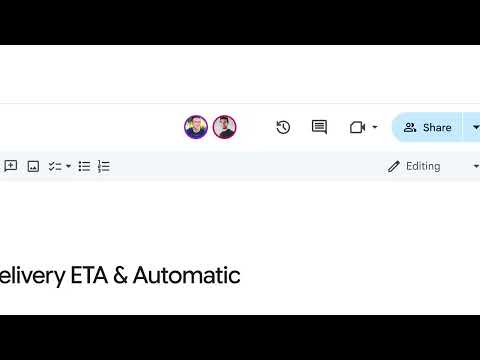
You also get Google Docs collaboration tools, like comments, suggested edits, and version history. Google Drive also lets you preview how Markdown files will look with a single click. It can now show Markdown files with formatted headings, tables, and hyperlinks instead of plain text. The feature is available to anyone with a personal Google account or Workspace account.
The post Google Docs Now Lets You Edit Markdown Files Natively appeared first on Android Headlines.