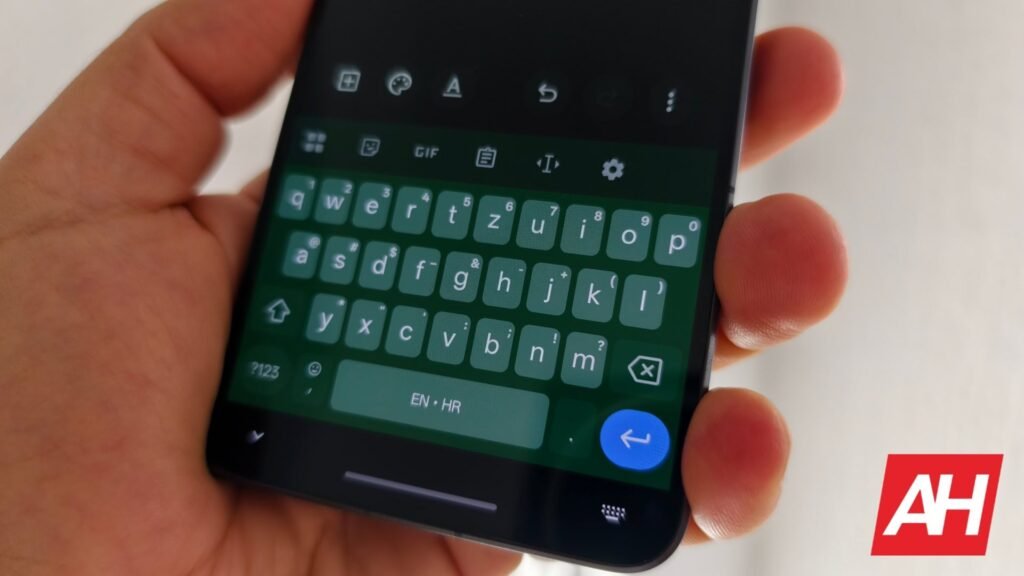

Google’s Gboard is a solid keyboard app that offers almost everything you’d expect from a modern keyboard. Pixel 11 series takes things a step further with Rambler, an AI-powered feature. However, keyboard apps can sometimes run into issues, whether it’s autocorrect acting up or predictions going weird. But what we’re seeing today is something strange. Several users report that Gboard’s Shift key is not working, preventing them from typing capital letters.
Gboard’s Shift key is reportedly not working for some users
A recent Reddit thread has several users reporting this issue. Other reports suggest the problem is affecting Pixel and Xiaomi phones. It’s possible other brands could also be affected. Unfortunately, usual workarounds/fixes don’t seem to stick for long. Force-stopping the Gboard app, clearing its cache from settings, restarting the device, or changing keyboard layouts apparently get the Shift key working again. But several users report that the problem returns a few hours later or within a day or two.
So no matter how many times you perform these workarounds, the issue will most likely come back again. While that’s that, at least one Reddit user who’s facing this issue is enrolled in the beta program. Meanwhile, Android Authority individually reports facing the same bug and that their device was also running the beta version. They haven’t been able to reproduce the Shift key issue on the latest stable Gboard release.
The beta version may be the culprit
While this doesn’t confirm the beta version is the culprit, it could be a plausible suspect. Either way, it seems like a smart idea at the moment for those running the beta version of Gboard to switch back to the stable release to see whether the issue is still present. Google has yet to acknowledge the issue, and it’s not clear when a fix will be available. We will update once we learn more.
The post Gboard’s Shift Key Is Suddenly Broken for Some Android Users appeared first on Android Headlines.