Credit: Tushar Mehta / Android Authority
TL;DR
- With the latest One UI 9 Beta 7 for the Galaxy S26, Samsung has added Gesture wake-up and home screen widgets, making Bixby easier to activate and use.
- Gesture wake-up allows users to trigger Bixby by holding the phone near their mouth and speaking into the mic.
- New Bixby widgets include 2×1, 2×2, and 4×2 options that make it easier to input voice or text.
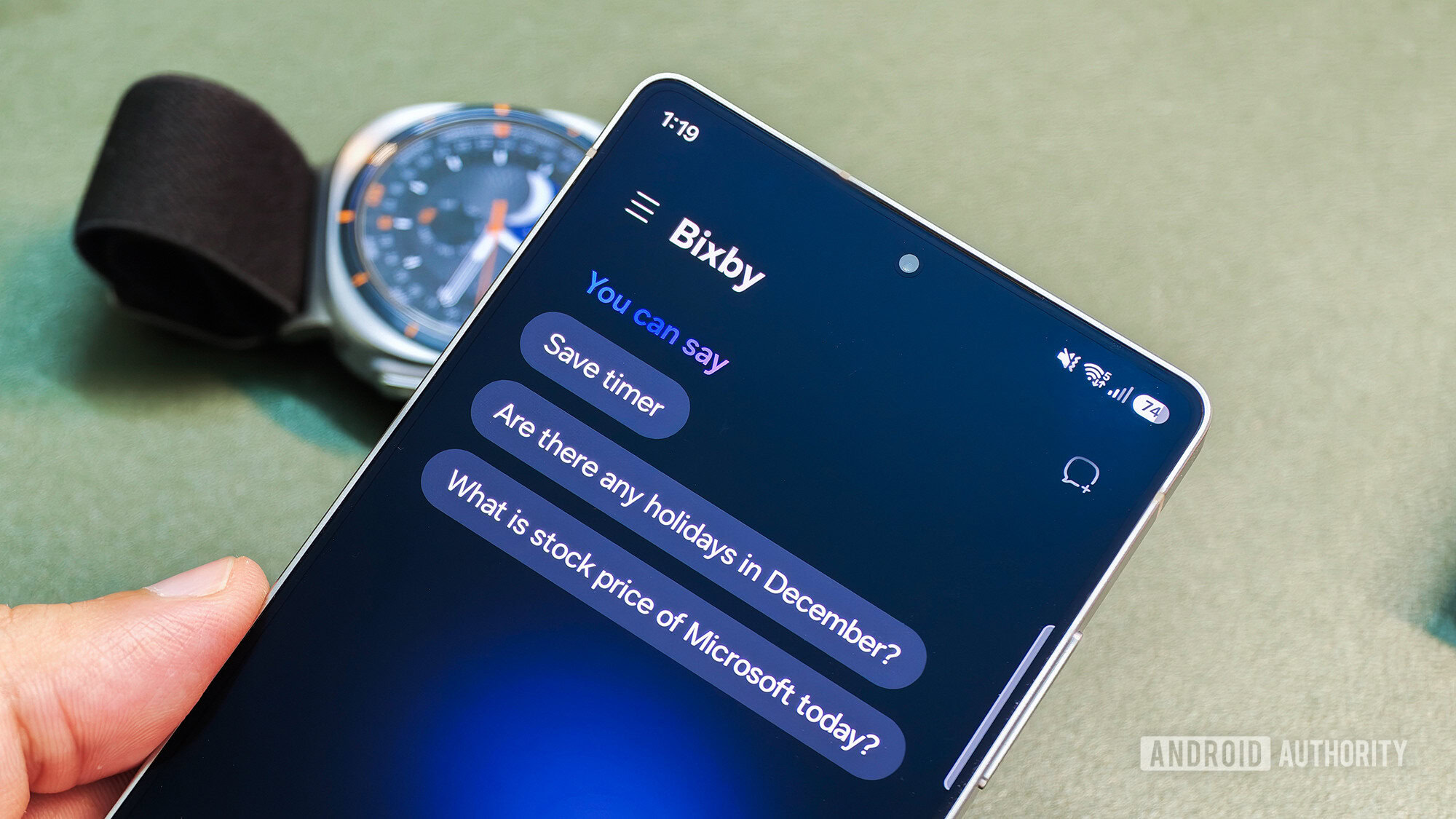
Samsung just released One UI 9 Beta 7 for the Galaxy S26 series earlier in the day. The official changelog was light on details, but we’ve found that the update comes with new features such as My FanCam, Call Brief, Custom Cards in Now Brief, and a split Finder-Google Search search bar. Digging deeper, we’ve found that this release also comes with new Bixby features for the Galaxy S26 series, namely widgets and Gesture wake-up.
Gesture wake-up for Bixby was released alongside the Galaxy Z8 foldables, and it has now made its way to the Galaxy S26 series in this beta release. When enabled, this feature lets you start talking to Bixby by holding your phone close to your mouth and speaking directly into the mic.