
Houston’s freeway system is one of the busiest in the country. Highways like I-10, I-45, and the Beltway carry heavy commercial traffic around the clock — 18-wheelers, tanker trucks, flatbeds, freight haulers. For everyday drivers sharing that road, the risk of a serious collision is real. And when a crash does happen, what determines fault and compensation often comes down to one question: is there footage?
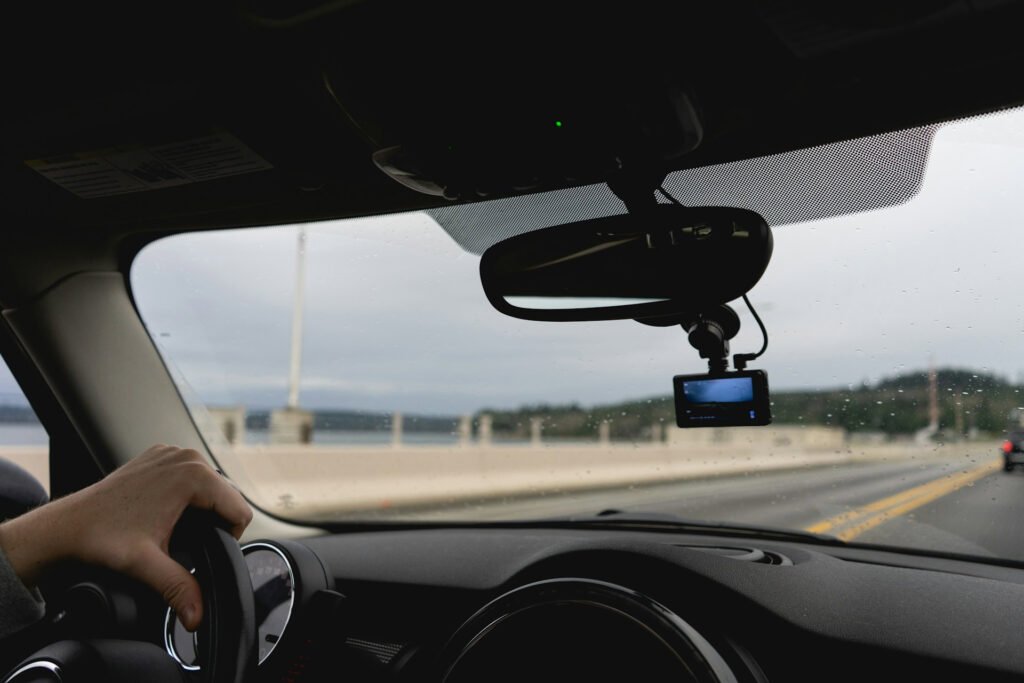
In a wreck involving an 18-wheeler, fault is often disputed and the stakes are high. Clear dashcam footage paired with legal guidance from a Houston truck accident lawyer gives you the strongest possible position when trucking companies and their insurers start building their defense. Your Android phone, running the right app, can serve as a dedicated dashcam—recording continuously while you drive, automatically saving footage when impact is detected, and keeping evidence intact before anything is moved, denied, or forgotten.
Nexar — The Most Complete Option
Nexar is the app most people settle on after trying the others, and for good reason. It records continuously in the background while your phone is mounted on the dash, and its collision detection algorithm automatically saves and locks footage triggered by a sudden impact, meaning the clip from the moments before and after a crash is preserved without any action from you.
What makes Nexar stand out is the cloud backup. Saved clips sync automatically so footage doesn’t disappear if a phone is damaged or confiscated at the scene. The app also creates a driving timeline with GPS data and speed overlays embedded in each recording, which adds significant credibility to any footage submitted as evidence. In a disputed liability case, that kind of metadata matters.
Nexar requires a free account and includes a set amount of cloud storage before paid tiers apply. For most drivers, the free tier covers what they need.
Droid Dashcam — Clean, Reliable, and Offline-Capable
Droid Dashcam takes a simpler approach. It records continuously, saves footage in looping segments to your phone’s storage, and triggers an automatic save when the accelerometer detects a collision—no cloud account required. Everything stays local on the device.
That offline capability is worth something. If you’re in an area with spotty cell service or you’d prefer not to store driving footage in the cloud at all, Droid Dashcam handles everything internally. Footage is organized in the app by date and time, with the most recent saved clips flagged and easy to access immediately after a collision.
The interface is minimal—deliberately so. Once you set your preferences and mount the phone, the app does its job without demanding attention. Frame rate and resolution settings let you balance video quality against storage use, which matters on long highway drives where storage fills quickly.
AutoBoy Dash Cam — Best for Manual Clip Review
AutoBoy leans harder into the post-drive review side of dashcam use. It records continuously, flags impact events, and produces a clean video library organized by trip. Where it stands out is in the built-in player, which lets you scrub through footage quickly, trim specific clips, and export them directly to other apps for sharing—useful if you need to get footage to an attorney or insurance adjuster quickly after an incident.
AutoBoy also supports audio recording alongside video, which can capture the sound of the collision, horns, skidding, and whatever is said at the scene immediately after. That audio layer sometimes adds context that video alone doesn’t provide.
How to Set Any of These Up Properly
The app only works if the setup is right. Regardless of which app you choose, follow these steps to complete the setup correctly:
– Mount the phone securely – A windshield or dash mount keeps the angle consistent and the lens stable.
– Keep it plugged in – Continuous recording drains battery fast; a USB connection to the car’s power is essential
– Set the app to launch on startup – Most of these apps have this option in settings, so recording begins automatically when you get in the car
– Check storage periodically – Looping recordings overwrite old footage; if you want to keep specific clips, save them before they’re overwritten
The Recording Is Only the First Step
Dashcam footage preserves what happened on the highway. What you do with it and how quickly you do it shapes whether it actually helps your truck accident case down the road. Getting footage to the right hands fast, before memories fade and before the other party’s legal team builds their version of events, is when that recording earns its value.
The post Best Dashcam Apps for Android, Essential for Highway Driving appeared first on Android Headlines.