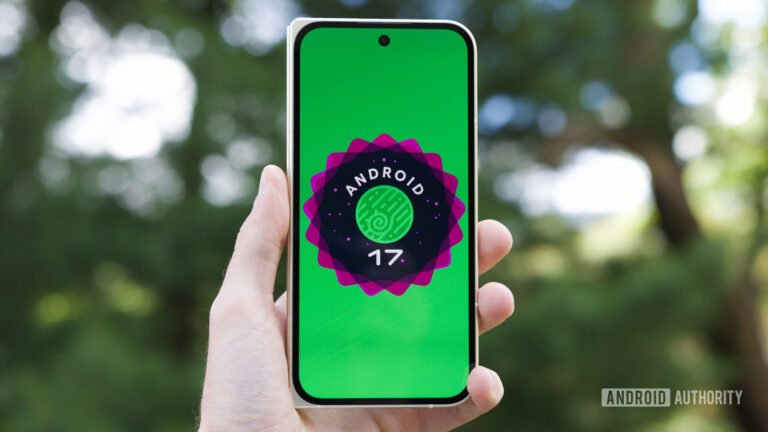

If you own a Google Pixel, it is time to smash that update button. Google is officially rolling out Android 17 QPR1 as part of its September 2026 Pixel Drop, bringing a fresh wave of visual polish, smarter multitasking, and clever digital wellbeing tools to supported phones.
Sleeker visuals and Material 3 Expressive blurs
Google is leaning heavily into depth and translucency with this release. Building on the Material 3 Expressive design, translucent background blurs now pop up across the entire system UI. You will notice them behind the volume panel, power menu, app folders, home screen context menus, and the widget picker.
Quick Settings gets a bouncier, springier pull-down animation that matches the main notification shade, complete with predictive back gesture support and a new edit icon in the bottom-right corner. Google also added a “Don’t ask me again” toggle on the Mobile Data tile, plus a new Keyboard tile that lets you quickly trigger the system switcher. If you prefer a cleaner navigation bar, a new toggle lets you hide the dedicated keyboard switcher button altogether.

Customized haptics, media redesign, and home screen tweaks
Haptic customization gets a huge bump in this build. You are no longer stuck with default call vibrations, as Android 17 QPR1 lets you set custom vibration patterns for individual ringtones. You can freely choose between standard pulses, audio-synced haptics, or fully custom vibration feedback.
The system media player drops old pagination dots for a swipeable card layout where adjacent media sessions peek out at the edge. There’s also an outlined button design for the Cast output switcher. Long-pressing the home screen reveals a rounded wallpaper switcher with tighter menu gaps. Meanwhile, app long-presses now clearly split app Shortcuts from system Actions like Bubbles.
Smaller visual treats include a refreshed Settings app icon, an updated Pixel VIP widget and themed customization options. Also, you’ll see a smooth camera launch animation when double-tapping the power button from the lock screen.

Pause Point tackles autopilot scrolling
We have all opened an app just to check something quick, only to lose 45 minutes to doomscrolling. Digital Wellbeing’s new “Pause Point” feature creates a middle ground between doing nothing and enforcing a full app lockout.
When you launch an app marked as distracting under Settings > Digital Wellbeing > Ways to disconnect, Pause Point introduces a brief delay screen. It prompts you to pause and check your intent, offering quick breathing exercises, a grounding photo, or a shortcut to jump into an alternative app like an audiobook instead.

Big upgrades for taskbars and desktop windowing
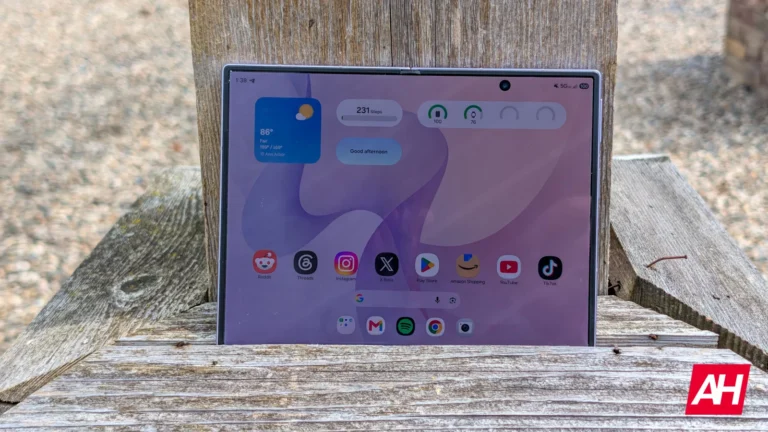
If you use a tablet, foldable, or desktop setup, Android 17 QPR1 packs serious productivity upgrades across the board. On large-screen devices, the taskbar now displays your recent active apps instead of algorithmic predictions.
In desktop windowing mode, hovering over the maximize button reveals instant shortcuts for fullscreen, split-screen, and windowed layouts. Picture-in-Picture windows float completely free in desktop mode without snapping to screen edges. Furthermore, floating system bubbles now support drag-and-drop. This lets you pull content straight out of a bubble into an underlying app. Furthermore, a new Quick Settings tile and customizable mouse corner shortcuts let you jump straight into your default note-taking app.
Supported devices and how to update
This Pixel Drop covers a massive device list. It stretches all the way back from the Pixel 6 generation up through the brand-new Pixel 11 lineup, alongside the Pixel Fold and Pixel Tablet.
To grab the update, head over to Settings > System > Software updates > System update and hit Check for update. If you were testing the QPR1 beta, opting out to join the stable build will not wipe your local phone data.
The post Android 17 QPR1 Arrives on Pixel Devices: Here’s Everything New appeared first on Android Headlines.