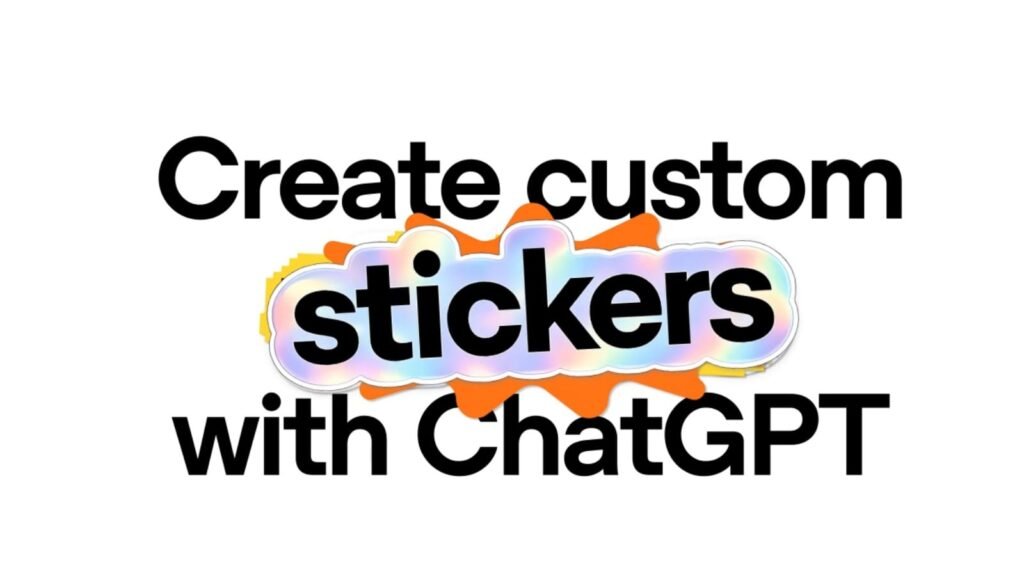

Besides helping with queries, research, and homework through a version designed for kids aged 13 to 17, ChatGPT can now also create stickers for iMessage and WhatsApp. The announcement comes directly from ChatGPT’s official X account.
ChatGPT can now turn your photos into iMessage and WhatsApp stickers
As a refresher, we’ve recently come across references to the feature in the code of the ChatGPT Android app (v1.2026.216). This showed that it would let users create custom stickers in ChatGPT and export them directly to WhatsApp. Well, the official announcement adds that it’ll work with iMessage as well and supports creating images with transparent backgrounds.
Thanks to this new AI feature, users can upload one or several images from their library and ask ChatGPT to turn them into stickers, remix them into multiple stickers, and add or remove elements. They can also use another image as a style reference or describe the look they’re going for in a prompt.
Once the sticker is ready, users can tap the “Add to chat apps” button to export it to supported messaging apps. The current list, as said, includes iMessage, WhatsApp, and also Save to Photos. Notably, WhatsApp’s three-sticker minimum comes from Meta, not ChatGPT.
New ‘Add to chat apps’ menu
The process should be fairly straightforward, where you upload an image with a prompt like “Create an iMessage sticker” should be enough to generate the sticker with a transparent background. 9to5Mac reports that it was also able to expand the image to restore parts that were cropped from the original.
There’ll be an “Add to chat apps” menu. Selecting iMessage from that makes the sticker appear in a dedicated ChatGPT section in the stickers carousel in Messages. The process should be fairly similar on WhatsApp also, where it’ll appear in the Stickers section.
The post ChatGPT Just Made Creating Custom Stickers Much Easier appeared first on Android Headlines.