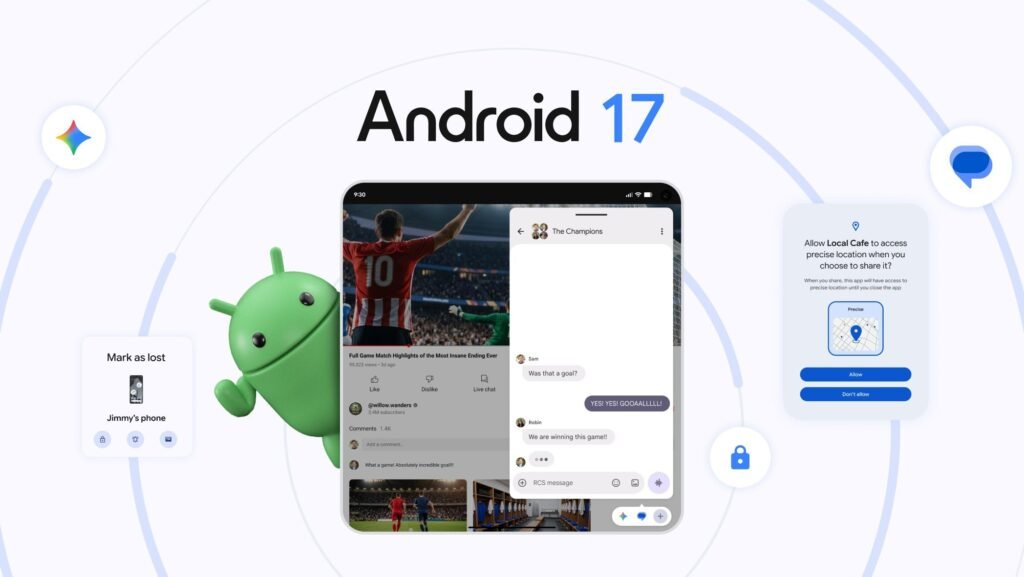

The rollout of Android 17 is well underway, having been first released to Pixel phones on June 16, 2026, as part of the June Pixel Feature Drop. Google is calling Android 17 its biggest update yet, with deeper agentic AI features still to come later this year. However, two new features released as part of Android 17 are stealing the headlines: App Bubbles and Screen Reactions. Well received by users and sharing the same core idea, both allow users to get the most out of their phone. App Bubbles help with multitasking and allows users to adjust the layout of their phone by turning apps into floating resizable windows that can be rearranged to suit each user’s needs. Screen Reactions is aimed primarily at content creators and allows phones to record video from the front-facing camera while simultaneously capturing a screen recording.
Helping users multitask while using their phones may sound a little counterintuitive, but these features are helping them do more than just get things done faster. They are changing the way users interact with their phones: how they browse, how they watch content in bursts throughout the day and how they juggle the growing appetite for simultaneous app usage. How we use our phones today is not the same as it was five years ago, and Denmark provides an interesting example of how the demands of the mobile market are changing.
What Landed in the June Pixel Drop
App Bubbles is the larger of the two features and is aptly named, for it works just as the name suggests. A long press on an app icon turns it into a small floating window that sits on your screen and can be accessed instantly while using other apps. App Bubbles is not too dissimilar to chat heads, which have been available in messaging apps for some time.
Bubbles can be dragged around the screen and placed wherever is most convenient depending on what other apps are being used. Multiple app bubbles can be stacked and moved through freely, giving users the ability to fully customize their phone for whichever way they prefer to use it. One point to note is that for foldable phones like the Pixel 10 Pro Fold, bubbles are collected in a dedicated Bubble Bar.
Screen Reactions is a feature that lies within the updated screen recorder. Users can record their screen while also capturing a small video of their face that is overlaid onto the footage in a similar style used in reaction videos. The core thing is they do not need any third-party editing apps to create content. Admittedly, this feature is aimed at casual content creators, for whom it creates a great deal of scope.
Both features were part of the Android 17 release for all phones since the Pixel 6, along with the Pixel Tablet and Pixel Fold devices in the June 16 rollout.
How Bubbles Reshape the Way You Use Your Phone
Very few people use their phone for one task at a time, seeing it through to completion before looking at anything else. For most, mobile use is fragmented and occurs in short bursts: checking the game while watching a video someone sent you and ordering those things you promised your partner you ordered days ago. Before the Android 17 update, this meant switching from app to app and risking losing your place in all of them.
App Bubbles removes that risk by ensuring each bubbled app remains active even when not being used. This gives people the freedom to multitask more effectively on their phones and use them in a way that fits their needs at any point in time. Bubbles turns mobile phones from single-track devices to something layered and flexible. As a development, it takes the way people already use their phones and makes it deliberate and user-friendly.
Mobile phone usage is linked to filling empty moments: waiting for the bus, sitting through commercials or waiting for the coffee to brew. The introduction of Bubbles is not going to give people extra time on their phones, but it is going to make the time they have flow better and feel less disrupted.
Why Denmark Is Built for This Kind of Update
Denmark is an interesting country to watch for large-scale app updates, as it consistently ranks among Europe’s most digitally advanced countries due to its strong connectivity and solid broadband services. The overwhelming majority of Danish households own at least one smartphone, and inhabitants are largely comfortable using multiple digital services at once. For these reasons, new features such as App Bubbles and Screen Reactions, which enable mobile multitasking, are likely to be of increased interest to the Danish Android user base.
Denmark’s well-developed infrastructure lets users adopt new features faster than in countries where device access and connectivity are not yet optimized. Danish users have a firm mobile-first approach to many areas of life, from banking to gaming, sports and entertainment, and mobile multitasking was already common for the typical Danish user.
App Bubbles fits perfectly into the typical Danish use case, as it seamlessly fits into existing usage habits and does not try to retrain the user to interact with their phone in ways that they are not accustomed to. For Danish users, App Bubbles is less about introducing a new feature and more about simplifying existing processes. Looking at the reaction in mobile-centric markets like Denmark could provide Google with key insights into how new services will be received not just at launch but also once they are rolled out to other manufacturers.
What It Means for How You Browse and Watch on Mobile
The reality is that cell phones are less likely to be used for dedicated browsing sessions. They are used in passing because they are convenient. App Bubbles takes that convenience and makes it meaningful by letting people create quick links to the apps they need. It fits seamlessly with the rapid-fire movement between apps most mobile users are known for. This usage model applies to all walks of life, including entertainment. App Bubbles cuts down on the friction of cell phone use, allowing users to read product reviews and browse for recipe ideas while skimming Casino24’s expert insights and binge-watching a new TV show.
App Bubbles is removing the wrinkles of smartphone ownership and leaving users with a highly flexible model that brings heightened levels of individual control. Taking time out to scroll on our phones is not just about wasting time or passing time between two moments. Life is busy, and we are often constantly juggling a long list of things we need to do. App Bubbles won’t make life any less hectic, but it will help you get more things done while keeping the apps you need open and visible. It also means you can take a little time for yourself and watch a show or highlights of yesterday’s game without fear of forgetting what you originally grabbed your phone for.
The Bigger Picture
The truth is that Android 17 might well be the biggest update to Android systems yet, but at the same time, it is not reinventing the cell phone. It is the kind of update that brings sensible changes that make cell phone use more intuitive. Android 17 introduces processes that replace what had previously been shoehorned workarounds with deliberate design built around how users actually wanted their phones to work. App Bubbles and Screen Reactions are two primary examples. They add high value for users, helping them to use their phone in the same way but better.
The post Android 17’s Bubbles and Screen Reactions Are Quietly Changing How Danes Use Their Phones appeared first on Android Headlines.
