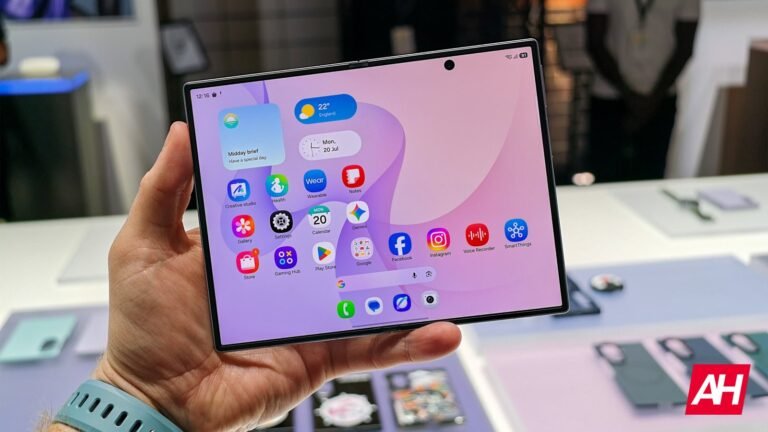

If you hate the quality your PC’s webcam offers for video calls, you’ll be able to upgrade that via one of Samsung’s new foldables. Yes, you read that right: the Galaxy Z Fold 8, Galaxy Z Fold 8 Ultra, and Galaxy Z Flip 8 can become your PC webcam when needed.
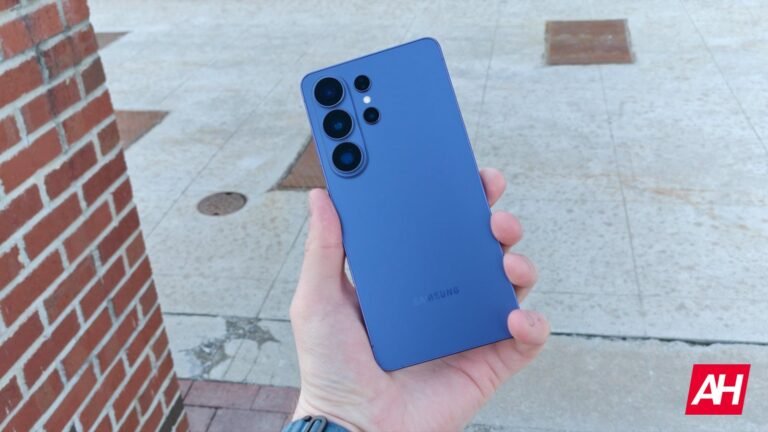
This feature has been introduced with the Galaxy S26 series, which shipped with One UI 8.5. Interestingly enough, it’s still not available on the Galaxy S25 series, despite the arrival of One UI 8.5
The Galaxy Z Fold 8 can serve as your PC webcam when needed
In any case, this feature has now been extended to the company’s new foldables. They will all come with One UI 9.0 out of the box. So, they’re technically the second smartphone series from Samsung to offer this feature.
Just to be clear, you don’t need any additional accessories for this to work. All you need is the USB-C cable that is included in the retail box. This just works; you don’t even need to install a companion app or anything like that.
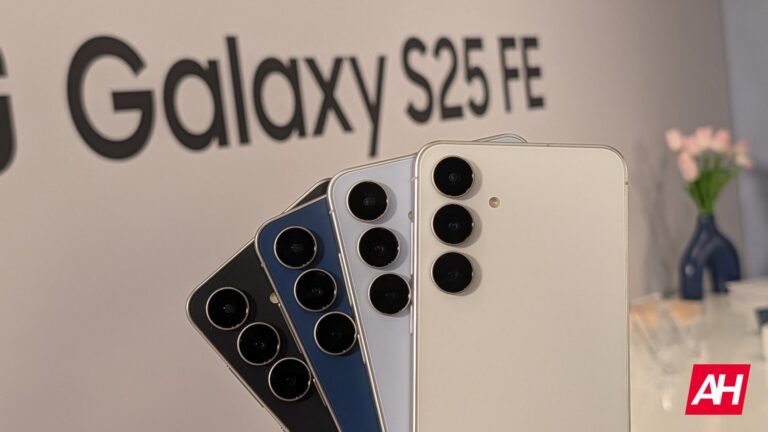
All you need is a USB-C cable
Once you receive your device, this is how you can take advantage of the feature. Connect your foldable to your Windows PC or Mac via a USB-C cable. On the phone, hit the ‘Tap for other USB options’ prompt in the notification shade, and then choose ‘Webcam’.
Following that, open the camera or video app on your computer, and you should be able to see the feed from your phone’s camera. If not, you’ll need to change the camera source on your PC and choose your foldable phone from the list.
If you’d like to preview the feed on your phone in addition to your computer, you’ll need to pull down the notification shade and tap the notification that says ‘Tap to preview and configure webcam output’.
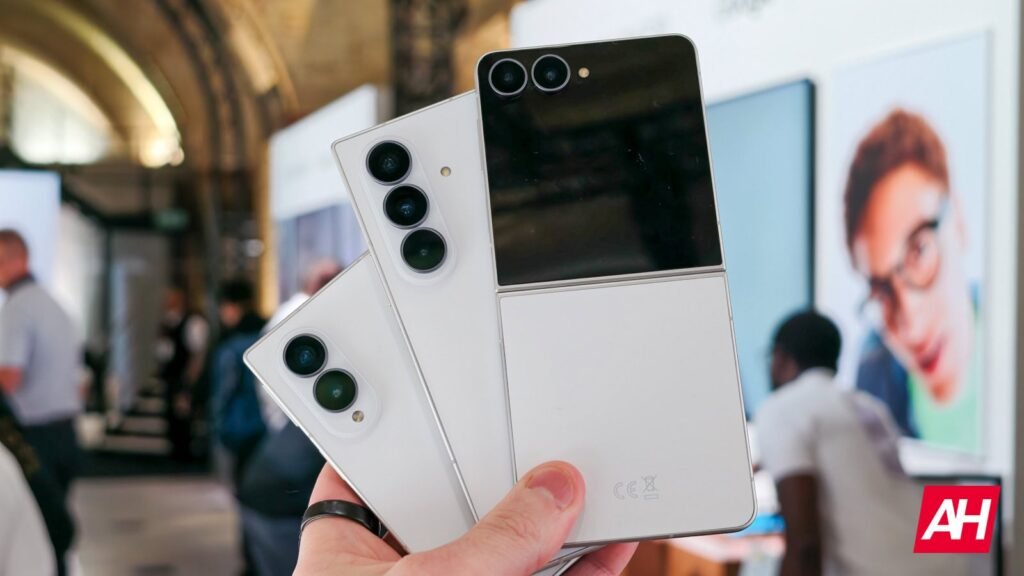
The Galaxy Z Fold 8 is now available to pre-order, along with its siblings
As a reminder, the company’s new foldables are up for pre-order now, while they’ll go on sale on August 12.
The post Samsung Galaxy Z Fold 8 Can Become Your New PC Webcam appeared first on Android Headlines.