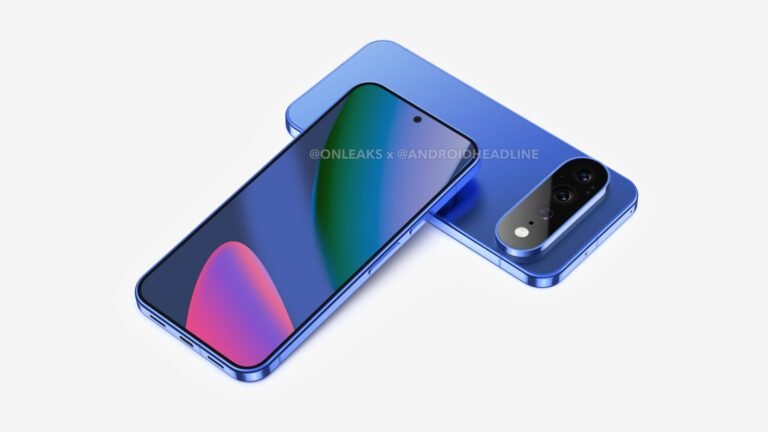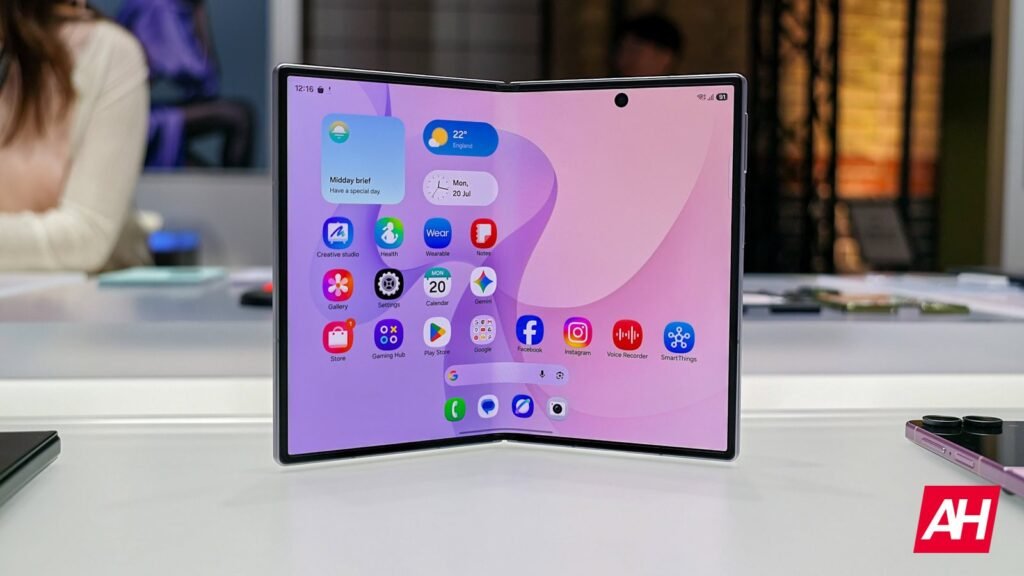

The Samsung Galaxy Z Fold 8 has a very useful customization feature: app-level display customization. That feature already seems to be active on the phone, well, at least on the Chinese model that Ice Universe is rocking.
We talked about this feature yesterday, as references to it popped up in the Galaxy Z Fold 8 Ultra code. Well, a tipster just showed off the feature in action, via X.
The Galaxy Z Fold 8 has a useful app-level display customization option
If you check out the video below, you’ll see what we’re talking about. In the video, he changes the display size of YouTube alone via the Settings, which allows the app to show three rows of videos at once, instead of two.
Galaxy Z Fold8 has a very useful feature: app-level display customization.
For example, YouTube normally shows only two rows of video recommendations on the screen. After reducing the display size, it can show three rows of videos at the same time, allowing me to browse more… pic.twitter.com/0iXHEggNo9
— Ice Universe (@UniverseIce) July 28, 2026
That’s certainly one of the use cases for this new feature. You can tweak any app’s display size for the content to fit your needs. If you want more content on the screen at once, that’s not a problem. The Galaxy Z Fold 8’s main panel is quite wide, so it certainly can fit more content.
One UI is one of the most customizable Android skins
One UI is easily one of the most customizable Android skins, if not the most customizable. If you throw Good Lock on top of it, well, then it is easily the most customizable Android skin out there.
Samsung also included a Google-related feature on the Galaxy Z Fold 8. There is a built-in Google Search bar option in the launcher settings. We talked about it yesterday; you can easily enable it via a toggle. Enabling it will bring the Google Search bar right above the bottom bar on the home screen.
Yes, you can still bring the widget manually to your home screen and put it anywhere you want. This is just another way to enable the Google Search bar, though if you enable it via that toggle, you cannot move it around.
The post Galaxy Z Fold 8’s App-Level Display Customization Just Got Shown Off in Action appeared first on Android Headlines.