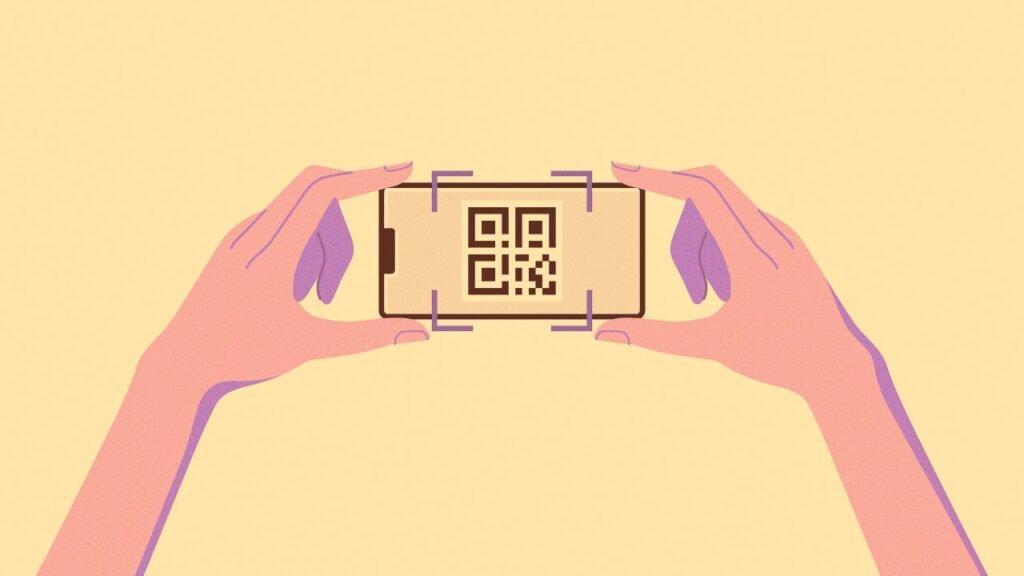
QR codes are popping up everywhere these days, and for good reason. They have all kinds of practical uses, from replacing your business card and collecting cashless payments to linking to menus or information on museum exhibits. But creating one can be a pain.
Search online for “QR code creator,” and you’ll run into sluggish websites with annoying banner ads, sign-up walls, and invasive privacy policies. Some even hijack your links with their own tracking code.
It really shouldn’t be this complicated.
Fortunately, today’s tool introduces a new way to create QR codes that’s refreshingly simple—and it comes from a source with a strong track record of keeping your data private.
This tip originally appeared in the free Cool Tools newsletter from The Intelligence. Get the next issue in your inbox and get ready to discover all sorts of awesome tech treasures!
The simplest QR code creator
A little refresher before getting to the tool itself: QR codes are those square-shaped barcodes full of little pixelated squares and a set of larger markers in the corners. You might see them in restaurants (“Leave us a review on Yelp!”), from street vendors collecting Venmo payments, or as part of the setup process for a smart home device. Most of the time, scanning them just opens a link to a web page without your having to type anything.
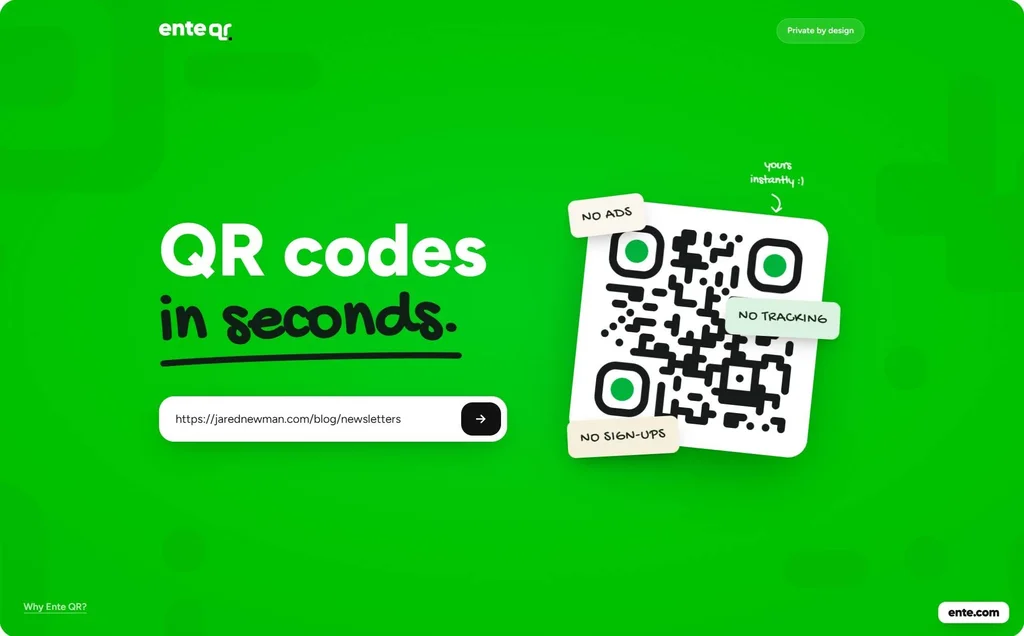
➜ For a simple, straightforward way to create your own QR codes with ease, check out Ente QR, a free website with no sign-ups or usage limits.
⌚ Generating a code takes mere seconds, and only a few minutes longer if you want to customize the look.
There are any number of reasons why you might find it helpful to create QR codes of your own. I keep an image file with a QR code handy on my phone, for instance, to let folks easily sign up for my newsletters. You could also have a QR code that links to your website on business cards, a printout of one that points people to a shared digital photo album for your next party, or to a page with your Wi-Fi password and other details for house guests.
✅ Whatever you want to use it for, Ente QR lets you create a code with a few simple steps:
- Paste a link into the address field.
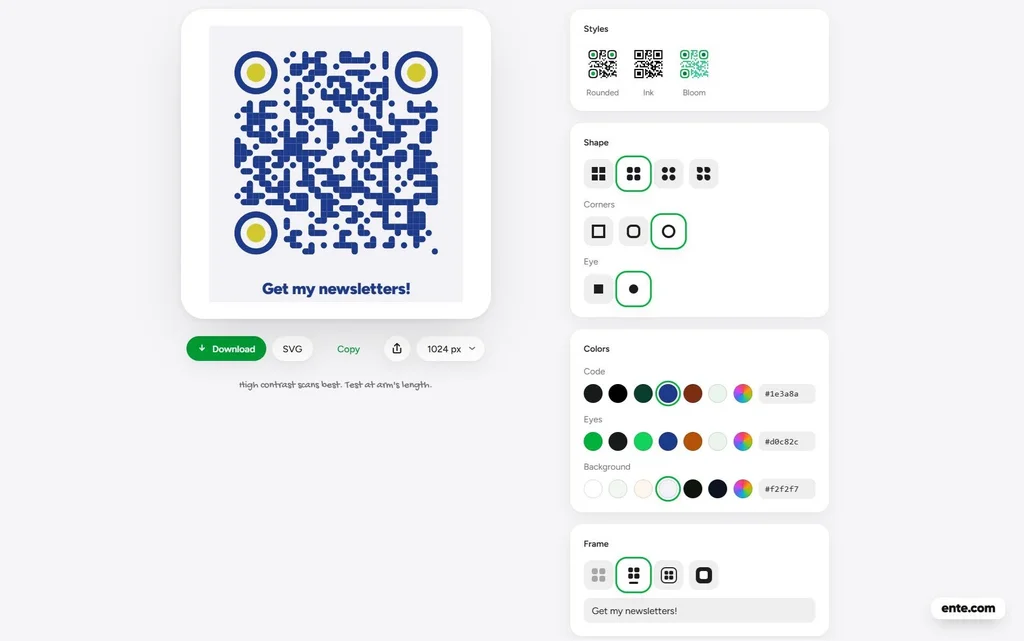
- Tweak the color and visual style of the QR code.
- Click the download button to get the QR code image as a PNG image file.
The site’s customization features strike the right balance between simplicity and utility, with a handful of dot formatting options and preset colors, plus a color picker if you want something specific. There’s also a “Logo” option that embeds an image in the middle of the QR code.
Ente says the QR code creation runs entirely in your browser, and the codes always lead directly to the link you included, with no creepy tracking in between. It’s a side project from a company that mainly works on private photo and document storage.
The biggest limitation is that Ente’s QR codes are only for linking to web addresses. If you want to create a QR code for sharing plain text, a prefilled email, or a digital contact card, BlockSurvey’s privacy-focused QR code generator is a good alternative. While it’s not as stylish as Ente QR, it supports more data formats—but for most people’s purposes, Ente more than fits the bill.
- Ente QR is available in any browser and works well on both desktop and mobile devices.
- It’s free to use with no ads, sign-ups, subscriptions, or usage limits.
- Ente does not track the URLs in the QR codes you create and does not set tracking cookies on its website.
Treat yourself to all sorts of brain-boosting goodies like this with the free Cool Tools newsletter—starting with an instant introduction to an incredible audio app that’ll tune up your days in truly delightful ways.