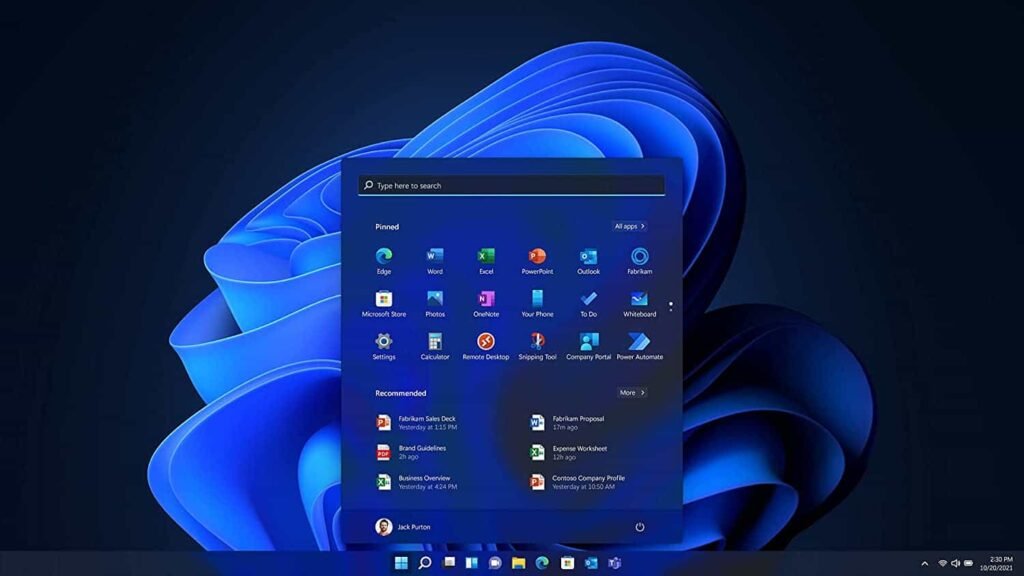

Microsoft has just recently pushed out the November 2026 update for Windows 11 users, which adds a whole host of changes and some new features for users to grab access to. This includes but isn’t limited to a new file explorer that the company says is “faster to use,” but also a faster and more consistent experience when opening the Edge browser.
That latter fix was reportedly a bigger issue than some people might realize, and this update, Microsoft says, should fix the problem by optimizing the Edge launch and loading regardless of what background apps are running. Faster, smoother user experiences are the name of the game here. With Microsoft making things look cleaner by removing unnecessary elements, and making sure that stuff loads faster for users so they aren’t stuck waiting around for it.
The Windows 11 November update includes a new feature called Cloud Rebuild
Faster file explorer access and faster load times for Edge upon startup with other apps launching in the background are enhancements players will certainly be able to get behind, but one of the other features that Microsoft highlighted is called Cloud Rebuild, and it’s aimed at making life easier for those who want to do a clean install of the Windows 11 OS at any point.
Cloud Rebuilt will download a Windows image and the necessary drivers during Windows update to let you reinstall Windows, alleviating the need to use a USB flash drive with a bootable image on it. “No USB media or local recovery file required,” Microsoft says. There are a variety of other smaller enhancements too. For example, it’s now possible to set system text to bigger sizes only by adjusting a slider in the accessibility settings. Plus, there’s now an option for quick zoom by hitting the windows key and the + key, which then lets you zoom in and out with the + and – keys. The update is currently live and can be installed by anyone who has Windows 11.
The post The new Windows 11 update adds big-only text and faster Edge loads appeared first on Android Headlines.