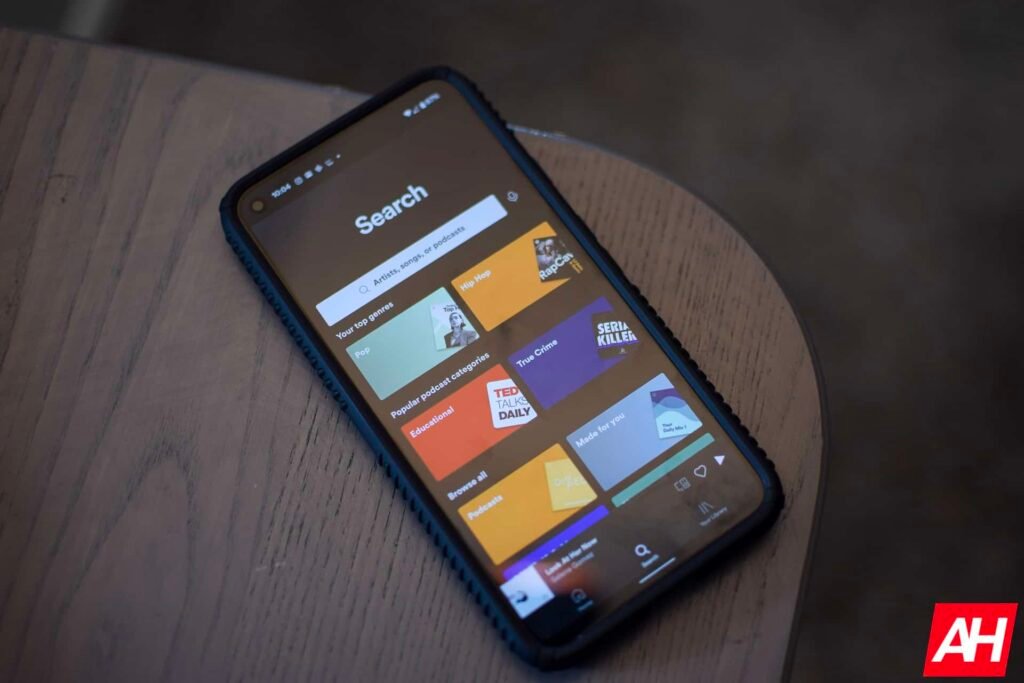

After years of waiting, Spotify has finally added the much-requested playlist folders feature to its mobile app. The feature has been available in the web app for quite some time now, but has been missing from the Android and iOS applications. Users on the mobile platform will finally be able to organize playlists directly on their devices.
Spotify finally adds playlist folders to its mobile app
For over a decade, the playlist folders remained oddly absent from the mobile app, even though mobile users make up the majority of Spotify‘s user base. Listeners who wanted to organize their playlist library were forced to rely on a desktop. This whole thing made the usage inconvenient.
Thankfully, with the latest update, creating or organizing folders is now simple. Inside the mobile app‘s library tab, users can tap the plus icon, select the folder option, and start grouping playlists as per their preferences. The feature not only boosts the convenience but also brings a noticeable improvement to everyday usage. Instead of scrolling through a long list of playlists, the user can now sort them into clear categories such as workouts, travel, or moods.
The rollout is gradual, but it’s finally happening
Another practical addition in the latest update is the ability to play all playlists within a folder at once. The shuffle option also works across the entire folder. This makes it easier for the user to keep listening to the music without manual selection. Further, there are some limitations as well. Customization options remain minimal for now. The user cannot change the cover images, and the albums cannot be added to the folders.
Just like other updates, this one is also not universal. Spotify is gradually pushing out the feature through a server-side rollout. Some users on Android and iOS have already got access to the new features, while others remain on the waitlist.
The post Spotify Mobile App Finally Adds Playlist Folders for Easier Library Control appeared first on Android Headlines.