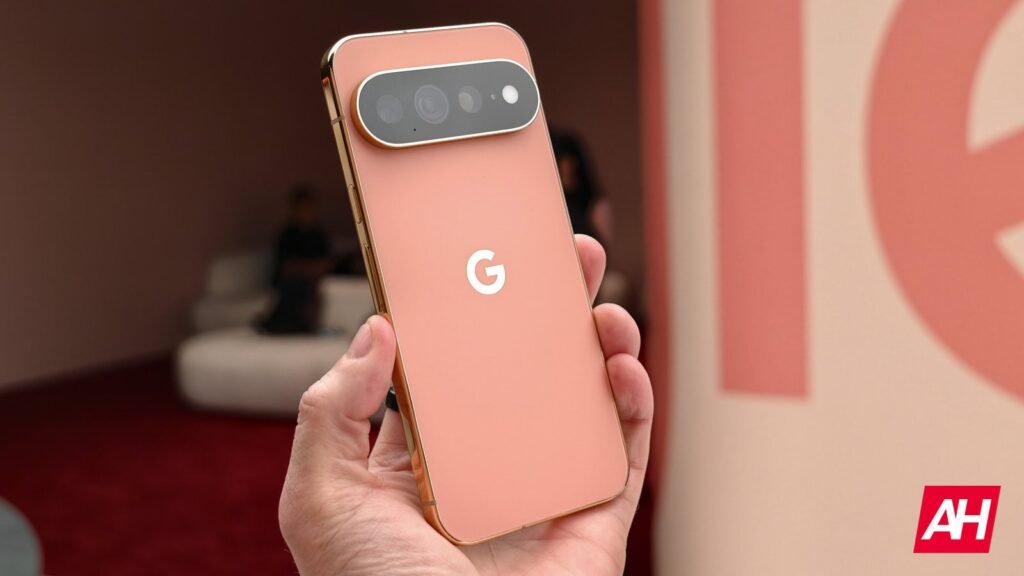

The new and improved Pixel Search is a feature on Google Pixel 11 series devices like the Pixel 11 Pro XL, and it’s an improved way to search for content on the new Pixel devices that goes well beyond the limitations of the search bar in the app drawer on older Pixel devices. For example, on the Pixel 10 Pro, you could open up the app drawer and use the search bar at the top to find a variety of things installed apps to web content.
On the Pixel 11 series devices, this search capability has been expanded by a significant amount to include much more. It’s natively built into the app drawer search bar as a way to more quickly find what it you’re seeking above and beyond just search results on the web. It serves as a central point to find what seems like almost anything on the device.
The Google Pixel Search feature lets you look for photos, messages, and more
Think of Pixel Search as the same search bar from the app drawer that you know and love, but after it’s been power-boosted with a lot more functionality. Say you’re looking for things related to pizza, but you aren’t just trying to limit those results to a pizzeria in your local town. You can open up the app drawer on the Pixel 11 Pro XL, for example, type pizza in the search bar up top, and you’ll not only get web results, but also the ability to search for that term across installed apps, and through photos you may have taken of pizza.
All of it is right there in one spot for you to sift through until you find what you want. It’s worth noting that Pixel Search is not a standalone app, but a beefed up version of the old app drawer search bar that lets you look for more stuff.
It even has the capability to look for your search term in apps like Calendar, Google Drive, and other places where it may not have been possible before. For now, you will need a Pixel 11 device to access it, though.


The post Pixel Search on the Pixel 11 devices is way more powerful than it used to be appeared first on Android Headlines.