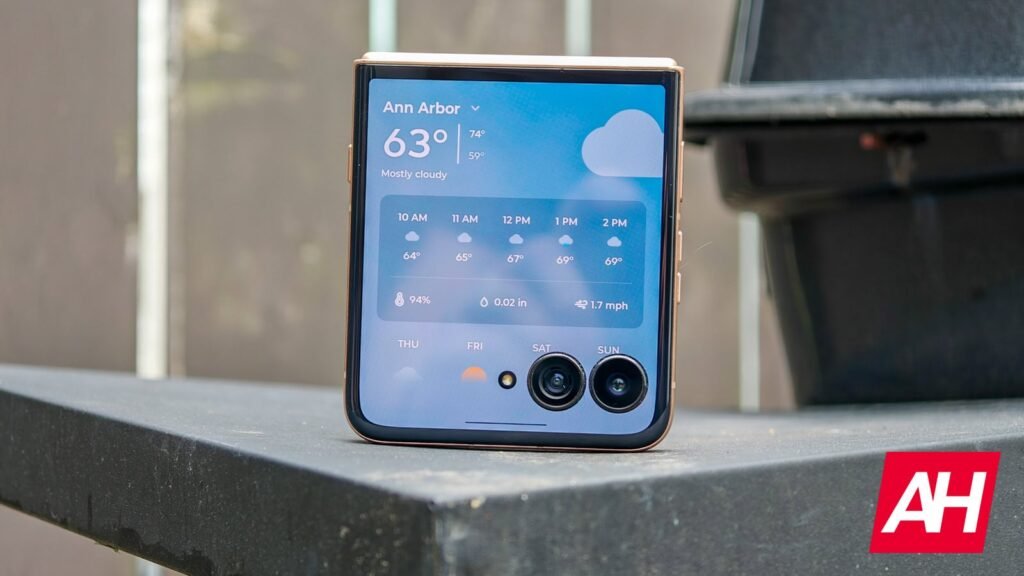

Foldable phones carry a key advantage over regular slab phones. You have a cover display to perform most of your everyday tasks. You don’t have to unfold the main display every time. However, Android 16 sort of broke this experience for Motorola Razr owners. For a simple task like connecting to Android Auto, it required opening their phone. Fortunately, the company is addressing this. Motorola’s Android 17 update finally brings a fix for Android Auto connections on Razr phones.
Motorola’s Android 17 update finally fixes Android Auto connections on Razr foldables
A Motorola Razr Ultra 2025 owner reports on Reddit that Android Auto is connecting automatically while their phone is in fold state following the Android 17 update. It’s not something random, as other users in the thread report seeing this change. The issue first appeared several months ago. Back in February, a Razr Plus 2024 owner reported that their phone used to connect to their car wirelessly without even taking it out of their pocket.
However, after installing Android 16, they had to unfold the phone every time they started the car. Changing Android Auto settings, clearing app data, and reinstalling updates reportedly didn’t fix the problem. What’s interesting is that users didn’t even need to unlock the phone. Simply unfolding it was enough to get Android Auto working again.
Connects even when the phone is folded
That isn’t the only issue flip phone users reported with Android Auto. In September, there were reports of a separate Android Auto bug that prevented Motorola Razr and Samsung Galaxy Z Flip owners from making outgoing calls through Gemini while their phones were in a folded state.
While it’s good that there’s a fix for the Android Auto connection issue, it’s unclear whether the Android 17 update also fixes the calls issue as well. Either way, Razr owners are finally getting back some of the convenience that went missing with Android 16.
The post Motorola’s Android 17 Update Brings a Much-Needed Android Auto Fix for Razr Users appeared first on Android Headlines.