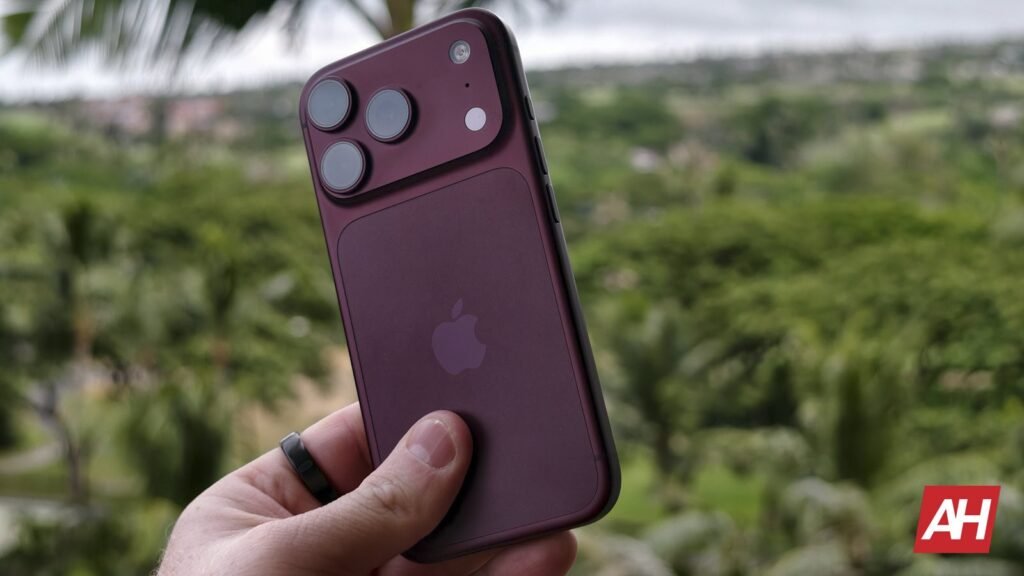

With iOS 27, Apple finally introduced pro controls to its Camera app. However, to get the full experience, you need to own the iPhone 18 Pro series or newer. But as it turns out, maybe there might be situations where you shouldn’t because according to a report from DPReview, Pro mode on the iPhone 18 Pro actually degrades image quality.
Pro mode on iPhone 18 Pro degrades images
When you use Pro mode on the iPhone 18 Pro or Pro Max, you get control over camera functions like shutter speed. This means you can control how fast the shutter takes to close. Unfortunately, the publication found that using this feature can affect the overall image quality.
The reason behind this is actually rather fascinating, especially if you’ve always been curious as to how the cameras on your smartphones work.
You see, the sensors on our smartphone cameras are smaller compared to traditional dedicated cameras. Even compact cameras like Sony’s RX100 series have a 1-inch sensor, while some mirrorless cameras go even bigger to APS-C. All this is to say that due to the larger sensors, they can capture more data than those on our smartphones.
So in order to compensate for the smaller sensors, our phones use computational photography. This is where instead of snapping one shot, our phones actually snap multiple photos and blend them together for the final image. It’s a clever workaround.
But in this case, using manual shutter speed control on the iPhone 18 Pro means that instead of snapping multiple images, it literally just snaps one. As a result, DPReview found that these images resulted in noisier photos, especially in low-light conditions. Worth noting that this only affects controls where you manually choose shutter speed. If you shoot using manual aperture, it’s a non-issue.
So, what can you do about it?
The bad news is that until Apple figures out a way around it, there’s no “fixing” it. However, there might be some workarounds you can consider. For starters, use manual shutter speed when you need to achieve specific effects, like freezing or motion blur. Also, it might be better to use it during the day when there is sufficient light. This doesn’t solve the issue, but the amount of visible noise should be negligible. You can also look into photo editing apps that allow you to reduce the amount of noise.
The post iPhone 18 Pro’s New Pro Controls Can Make Your Photos Worse, and Here’s When appeared first on Android Headlines.