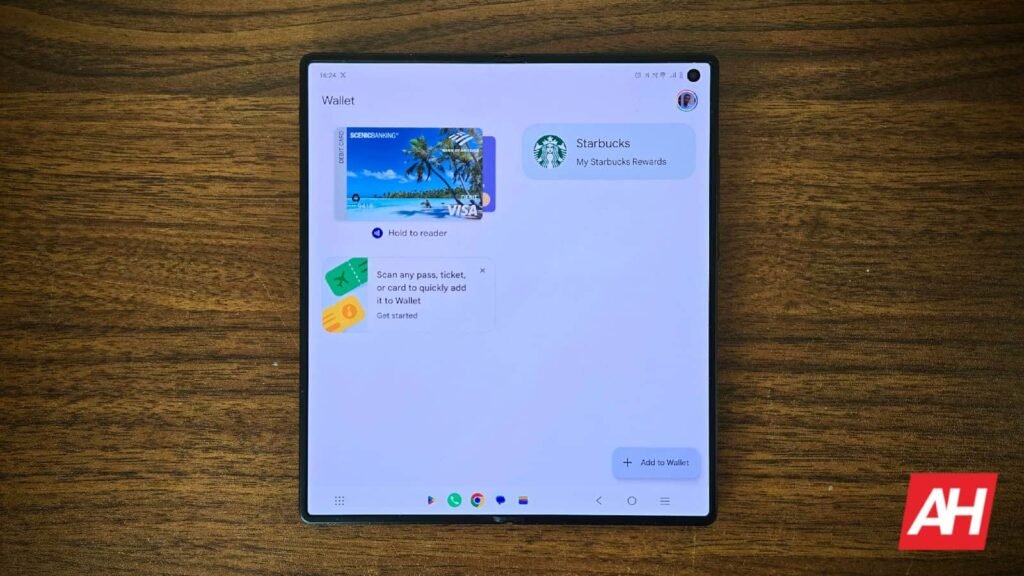

The Google Wallet app is getting a new design this week, though not for the entire application, just for the pass screen where the app shows you passes for things like flights, train trips, a movie ticket, and more.
The new design is a colorful wash over the entire screen that’s associated or themed after the colors of your pass, at least where applicable. For example, a A Delta Airlines boarding pass would show a completely red backdrop for the UI on the pass screen. The update for Google Wallet that includes this new pass design is version 26.32.962917069, and that update has started hitting devices today, August 18. If you have Google Wallet installed, you can check to see if the update is available for your device via the Play Store’s Manage Apps and Device screen.
The new Google Wallet pass design can be reverted if you don’t like the looks
Google has added an option to the app that allows users to revert the new pass design to the older one if they don’t care for all that colorful style. To revert back, all users have to do is tap on the button in the top right corner of the screen that looks like a clock. This bring up the pass screen that doesn’t have the entire screen covered in the associated pass color. However, it also isn’t a permanent change. As soon as you back out of that screen it’s right back to the full screen colors.
It doesn’t appear that there’s any way to permanently change back and forth between the new look and the old look. What you can do, though, is instead of going back a screen, go to the home screen and let the Wallet app run in the background that way it stays on the old design. Recently, Google Wallet has also added a way for parents to set up a secure balance for their kids, and back in July it started showing users transactions they made with Wear OS smartwatches.


The post Google Wallet throws its boring old pass design out the window appeared first on Android Headlines.