
Google wants to weave artificial intelligence directly into the operating system. However, they also realize that not everyone wants their phone’s status bar crowded with flashing background indicators. Recent findings reveal that the company is actively developing a dedicated “Status bar” customization section inside the Settings app, allowing users to manually hide specific system and notification icons—like those from Android Halo.
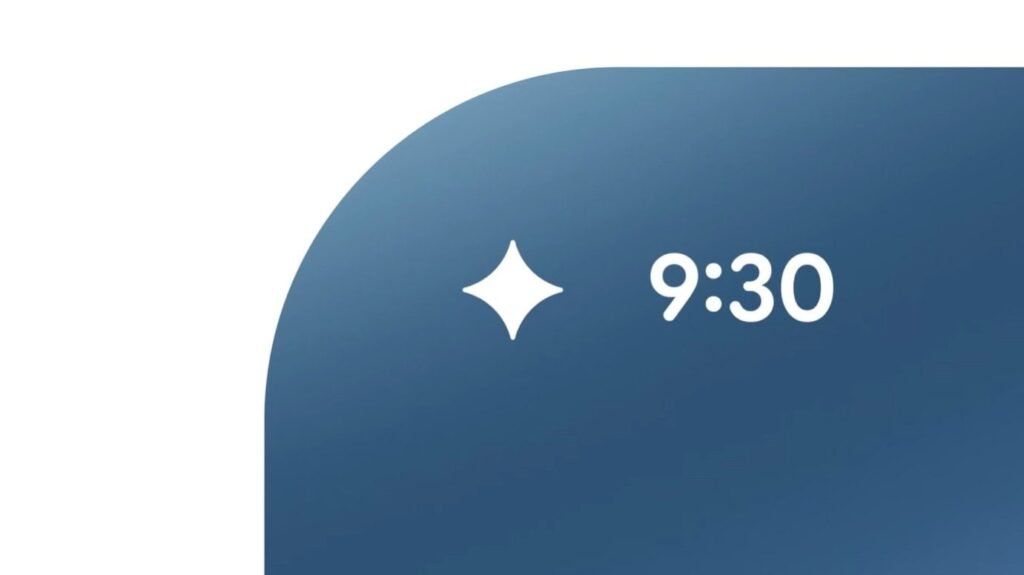
The hints were spotted by Android Authority within the latest Android Canary 2607 release. The star of this new menu is a toggle to completely turn off the upcoming Android Halo icon. Android Halo functions as a subtle status bar glowing ring on the far-left side of your screen. It is designed to act as a visual progress bar for background AI agents. It basically lets you check on running tasks or interact directly with an AI assistant without having to jump back into a full-screen app.
The mystery of ‘Agent Task’
While Android Halo sounds like a sleek multitasking concept, the underlying code reveals a catch: the indicator icon will only show up if your specific phone hardware supports an unannounced feature called “Agent Task.”
Interestingly, Google’s documentation suggests that this baseline capability operates independently from standard Gemini Intelligence. Gemini will reportedly step in later to offer advanced functionalities for the interface. However, a mysterious Agent Task layer is the foundation of the background tracking code. Google promised to clear up the confusion regarding how these two systems interact later this year. However, the technical details still remain under wraps.
A long-overdue cleaning tool
Fortunately, Google isn’t just focusing on artificial intelligence indicators with this update. The leaked code shows that the new Status Bar settings submenu will also play host to a highly requested privacy and aesthetic tweak: a dedicated toggle to hide the traditional mute icon.
Android users have long been able to hide the vibration icon by digging through their sound and vibration menus, but the persistent mute bell has historically stayed glued to the screen. Combining these toggles into a single, unified interface will finally allow minimalists to clear out the persistent junk crowding the top of their screens.
The Android Headlines Take
Giving users granular control over system UI elements is a wise choice on Google’s part. Tech companies love pushing their latest artificial intelligence initiatives directly into your field of view, but they rarely ask if you actually want them. Building a kill switch for Android Halo before the feature even goes live for the general public is a respectful way to implement a feature by considering all those who don’t want to use it.
Personally, I think Android Halo has the potential to be quite useful. But what if the notification is so constant that it becomes annoying? Or what if the initial implementation isn’t the best and needs refinement? For those cases, being able to simply disable the feature is a win. Plus, Android Halo doesn’t have to be the only system UI item you can tweak. After all, the option is called “Status bar” customization, so there’s room for even more potential options that allow you to clean up this section.
The post Google Might Let You Turn Off Android Halo to Keep Clean Your Status Bar appeared first on Android Headlines.