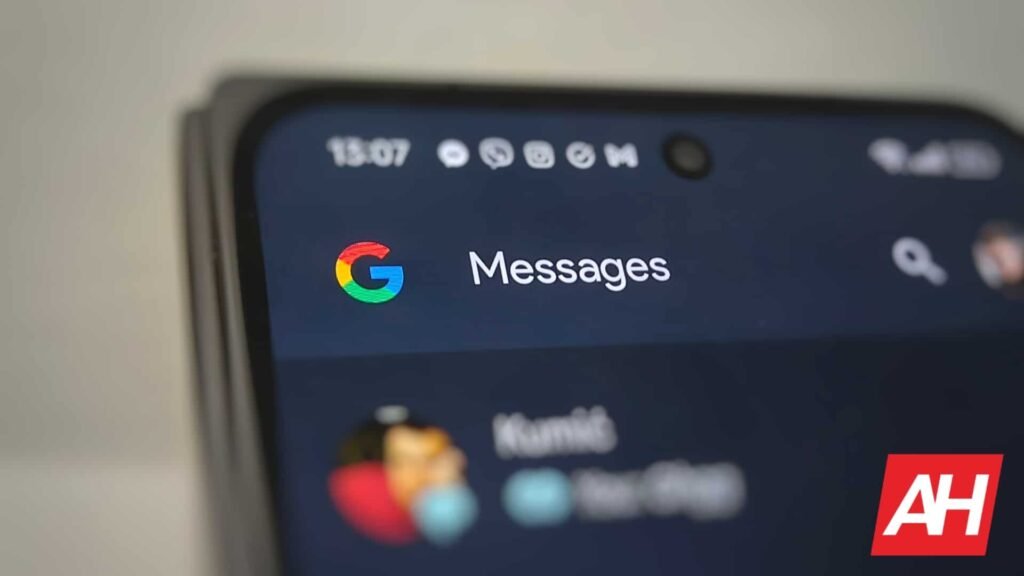

When developers create an app, the UI is usually created with the best intentions in mind. But it is never a one-size-fits-all. Depending on how you use an app, there might be features or functions you use more that aren’t prioritized in the UI. The good news is that Google Messages will soon let you customize the shortcuts, allowing users to tweak the UI slightly according to their needs.
Google Messages will soon let users customize shortcuts
Currently, when you tap the plus icon next to the text field in any conversation, the shortcuts grid pops up with up to 11 items. That includes Gallery, Camera, GIFs, Stickers, Magic Compose, Files, Real-time Location, Contacts, Schedule Send, Selfie GIF, and One-time Location. That’s a lot of items to scroll through, and some of those functions you might use less than others.
According to 9to5Google, the upcoming update will let you fix that by letting you customize the shortcuts in Google Messages. All you need to do is tap on any of those icons and drag it around to rearrange it. It’s similar to how you might rearrange app icons on your home screen. It’s pretty simple and straightforward.
But as 9to5Google says, it would be nice if users could hide certain functions. Maybe that could come in a future update, but for now, at least users will soon be able to put their most-used functions front and center. The feature is live in beta version 20260731_00_RC00 of Google Messages. We’re not sure when it will be pushed out to the public. But it might be worth keeping an eye on.
Other recent changes to Google Messages
This isn’t the only change Google Messages has made recently. Back in June, the app added Chat themes, replacing the old “Change colors” option. It also added real wallpaper support and nine color choices for your message bubbles. Then it wasn’t too long ago that Google rolled out end-to-end encryption for RCS chats between iPhone and Android.
More recently, an APK teardown of the app revealed Google’s plans to revamp the Google Messages search experience. This will come in the form of a new search interface, making it easier for users to find content in conversations.
The post Google Messages Tests Letting You Rearrange Your Shortcuts for Deeper Customization appeared first on Android Headlines.