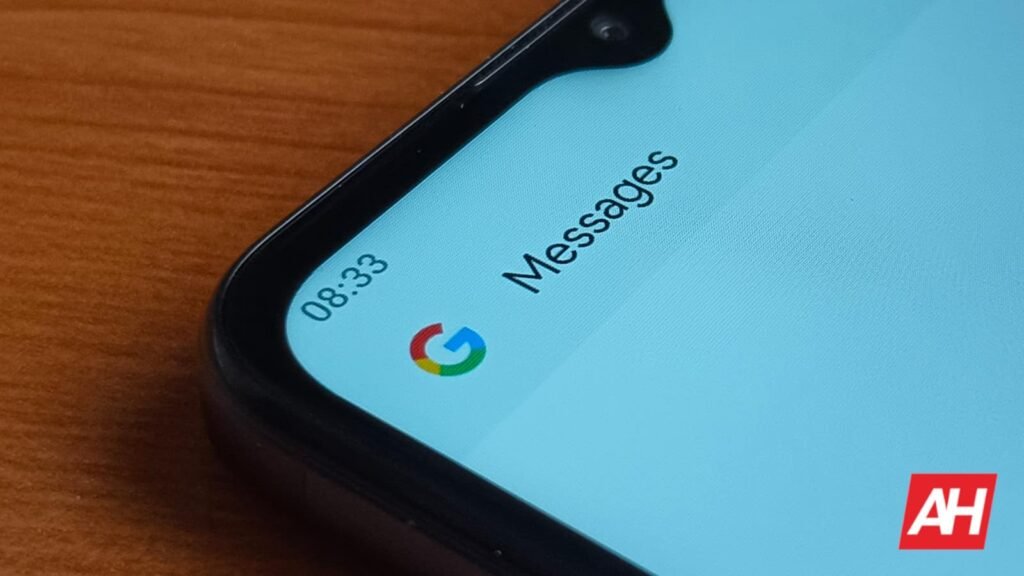

Google Messages seems to be removing one of its familiar pairing methods from the app. A recent report claims the QR code-based pairing method is being phased out from the Messages app. The move follows a warning that appeared earlier on the web platforms. The Android app will no longer have the option to pair devices using a QR code. Instead, the users will have to use account-based authentication.
Google Messages is about to lose the popular QR code-based pairing method
Google Messages has been notifying users for months that QR Code pairing would not remain available indefinitely on its web app. Until now, it was possible to pair the Google Messages phone app to the desktop version by simply scanning a QR code. The method was convenient and would synchronize messages without manual sign-in.
However, a recent finding by the folks at Android Authority suggests Google is quietly phasing out the QR code pairing method in favor of account authentication. In the latest Google Messages v20260511 beta release, the tech giant has entirely removed the pairing feature. While the web app still displays a QR code option for now, users may no longer be able to scan it from their phones once the change rolls out for stable audiences.
Google wants its users to shift to account authentication methods
The change effectively means the Google Messages users will have to shift to Google account credentials instead of relying on quick device-based Pairing. The tech giant has been pushing its apps and services towards a unified sign-in experience. For users accustomed to the quick login method, the account-based authentication may need some adoption. However, it’s a safer and more reliable option. It is soon to become a default option for Google Messages users.
Anyway, do keep in mind that the development was spotted in the beta release of the app. It doesn’t guarantee that similar changes will be carried forward to the stable version.
The post Google Messages’ Familiar QR Code Pairing Method Is Quietly Being Removed appeared first on Android Headlines.