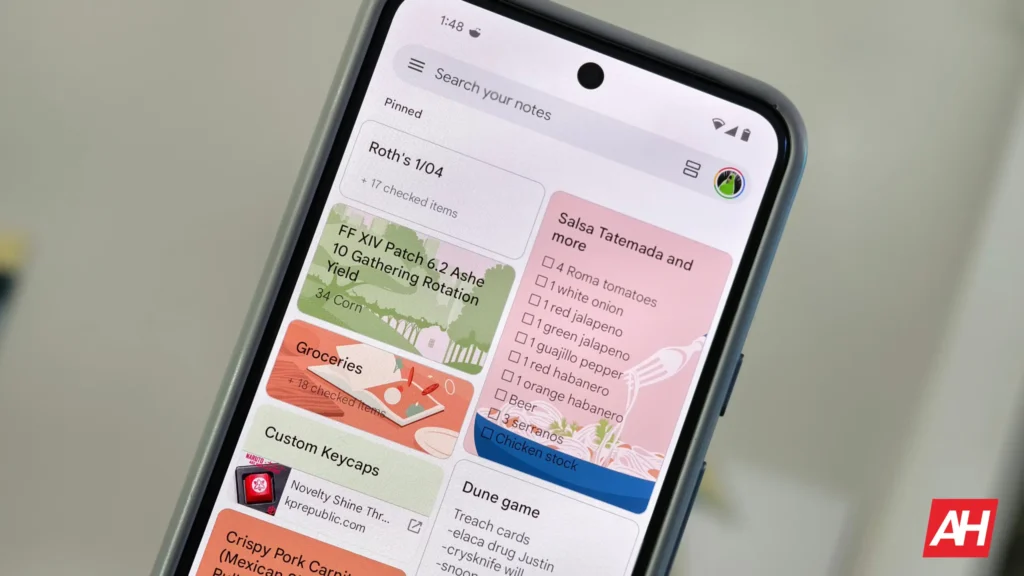

Google Keep is a popular note-taking app that offers pretty much everything you’d expect from an app of its kind. For easier categorization, it also lets you manually search for notes or add labels to them. But it appears Google Keep wants to make it even easier to find the right note with new filters. Here’s what it brings to the table.
Google Keep may soon get new filters to better organize your notes
Folks at Android Authority, while digging through Google Keep for Android version v5.26.461.01.90, have discovered new filters to help users find specific notes. In fact, they even managed to enable them to see how they function. These new filters are right below the main search bar and let you pick from All, This Week, To-Dos, Shared, and List. All is reportedly the default view.
The pinned notes are at the top, followed by the most recent notes. Tapping the “This week” filter will display all the notes you made this week. Then we have the “To-Do” filter, which will show notes with tasks and reminders. Tapping the “Shared” filter shows the notes you have shared with others. Lastly, choosing “Lists” will show the notes in list format.
Still not widely available
As you can tell, all these new filters are self-explanatory, making it easy for everyone to jump right in. Although they’re not very specific (in terms of note type like voice), they can be a very useful addition for those who have a long list of notes in the Keep app. They also work as a handy alternative to the search bar and labels.
That said, the new filters are still in the works behind the scenes, so it’s unclear when Google will bring them to users widely. The report, lastly, mentions that they’ve noticed Google making some UI adjustments in this version of Keep. Pinned notes now display a pin icon in the top-right corner instead of appearing under a separate section with a ‘Pinned’ header. Additionally, text within notes on the home screen now gradually fades out.


The post Google Keep Could Soon Make Finding Your Notes Much Easier appeared first on Android Headlines.