
Google now lets Gemini users connect their Google Wallet accounts to review personal spending and plan budgets. Available in the US across Android, iOS, and the web, the update lets you ask plain-language questions about where your money goes each month. By tagging @Google Wallet in a chat, you can check recent expenses without digging through messy bank statements.
According to Google, the feature sits inside Gemini’s Personal Intelligence settings and works with outside bank accounts and credit cards linked through Plaid. Once connected, Gemini can generate charts showing your cash flow, flag subscriptions that quietly raised their prices, or estimate a holiday budget based on last year’s purchases. The rollout builds on Google’s earlier Ask Google Pay test in India and puts Gemini alongside ChatGPT’s Plaid-powered Finances dashboard.
Read-only access with a privacy catch
Google says the connection is completely optional and gives Gemini read-only access to your accounts. The chatbot cannot transfer money, move funds, or manage investments, and you can disconnect Wallet at any time. Still, privacy-minded users should check how Google handles the insights pulled from those transactions.
While Google notes that raw Wallet records do not directly train its AI models, summaries and inferences from your spending can still train Gemini when Keep Activity is turned on. Some chats involving Google Wallet may also go through human review for safety and quality checks. Alongside the Wallet launch, Google added a Memory Summary screen under Personal Intelligence so users can view, edit, or delete what Gemini remembers about their preferences and goals.
Turning messy receipts into quick answers
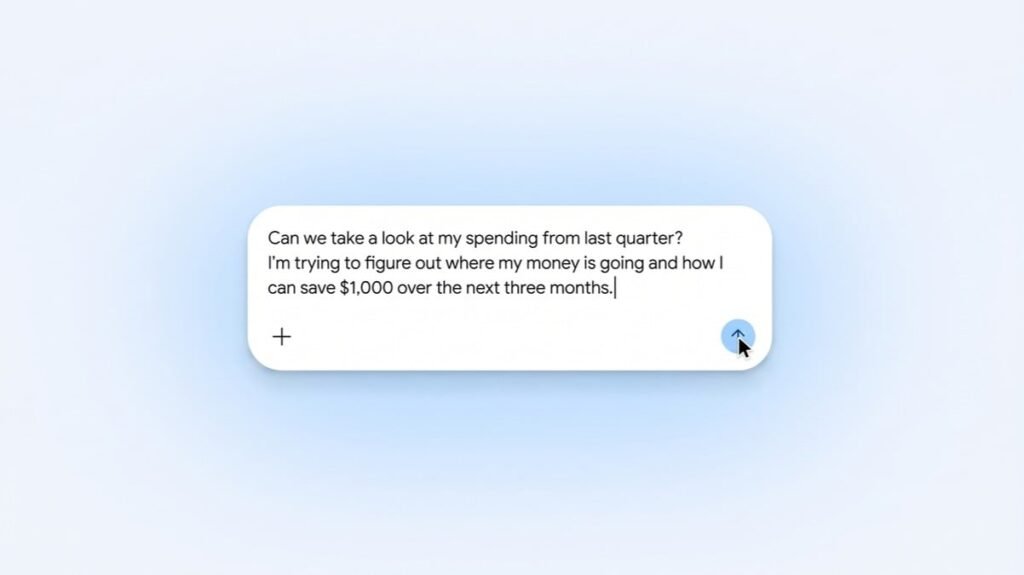
Setting up the integration takes just a few taps under Settings, Personal Intelligence, and Connected Apps inside Gemini. After linking your accounts, you can ask Gemini to review last quarter’s expenses to help you save $1,000 or list every recurring charge on your cards. Getting instant charts inside a chat window saves plenty of effort compared to building spreadsheets by hand.
Linking bank credentials to an AI chatbot still requires a fair amount of trust, even with Plaid handling the connection. If you feel comfortable sharing read-only transaction data, Gemini now gives you a fast way to check your spending habits. Just remember to turn off Keep Activity first if you want your financial summaries kept out of Google’s training data.
The post Google Connects Wallet and Plaid Accounts to Gemini So You Can Ask Where Your Money Went appeared first on Android Headlines.