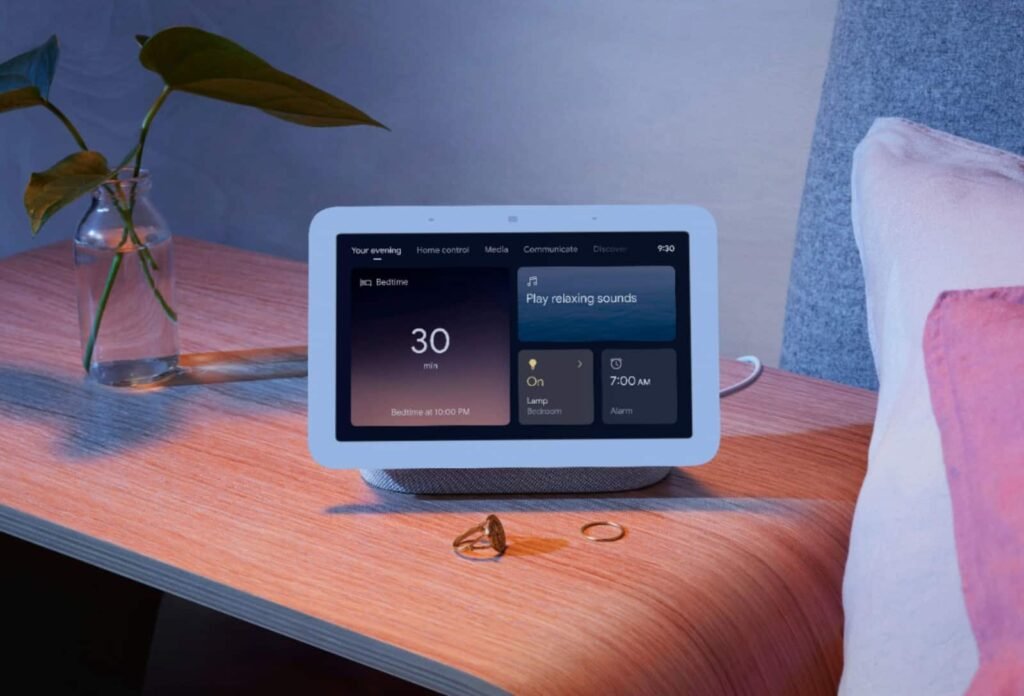

Gemini for Home voice assistant is improving the experience on smart displays. The update redesigns Gemini’s visual responses for weather forecasts and general knowledge answers on the Nest Hub devices. Following the launch of the Google Home Speaker, this new update also brings more reliable sports updates and improvements to Continued Conversations.
Gemini on Nest Hub redesigns weather and knowledge answer cards
Starting with the weather, the refreshed visual layouts use Material 3 containers to present hourly and daily forecasts more clearly. Users can ask “What’s the weather forecast for this weekend?” to see the new layouts, or what Google calls “beautiful visual cards.” Compared to the voice-only experience, Gemini on smart displays has received only a few updates. Recent updates have focused on adding more visual information, media browsing, and simpler thumbs-up or thumbs-down feedback.
With the new release, Google also says to expect more reliable sports updates the next time you ask about game scores, schedules, and team standings. This means users can expect more accurate and up-to-date sports answers than before.

Gemini voice assistant will now offer more reliable sports updates
Then there are improvements to Continued Conversations, which is now more reliable for back-to-back commands and follow-up questions. You can ask, “What’s in my calendar today?” and then follow up with, “And what about tomorrow?” without Gemini interrupting for voice verification mid-conversation. So if Gemini’s interruptions during follow-up conversations have been frustrating, this update should come as good news.
If you own a Nest Hub or any other compatible smart display, these new changes are now rolling out. However, they will reach all devices in a phased manner. You should start seeing improvements in real-time very soon. This comes after Google made conversation and latency improvements to the Gemini for Home voice assistant last month.
The post Gemini for Home Gets Redesigned Weather & More Reliable Sports Updates appeared first on Android Headlines.