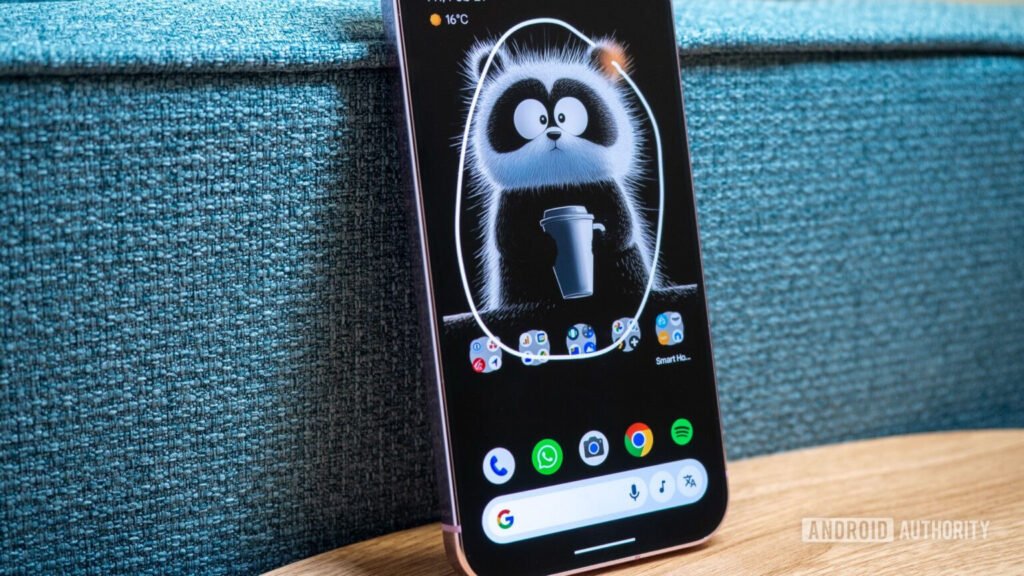
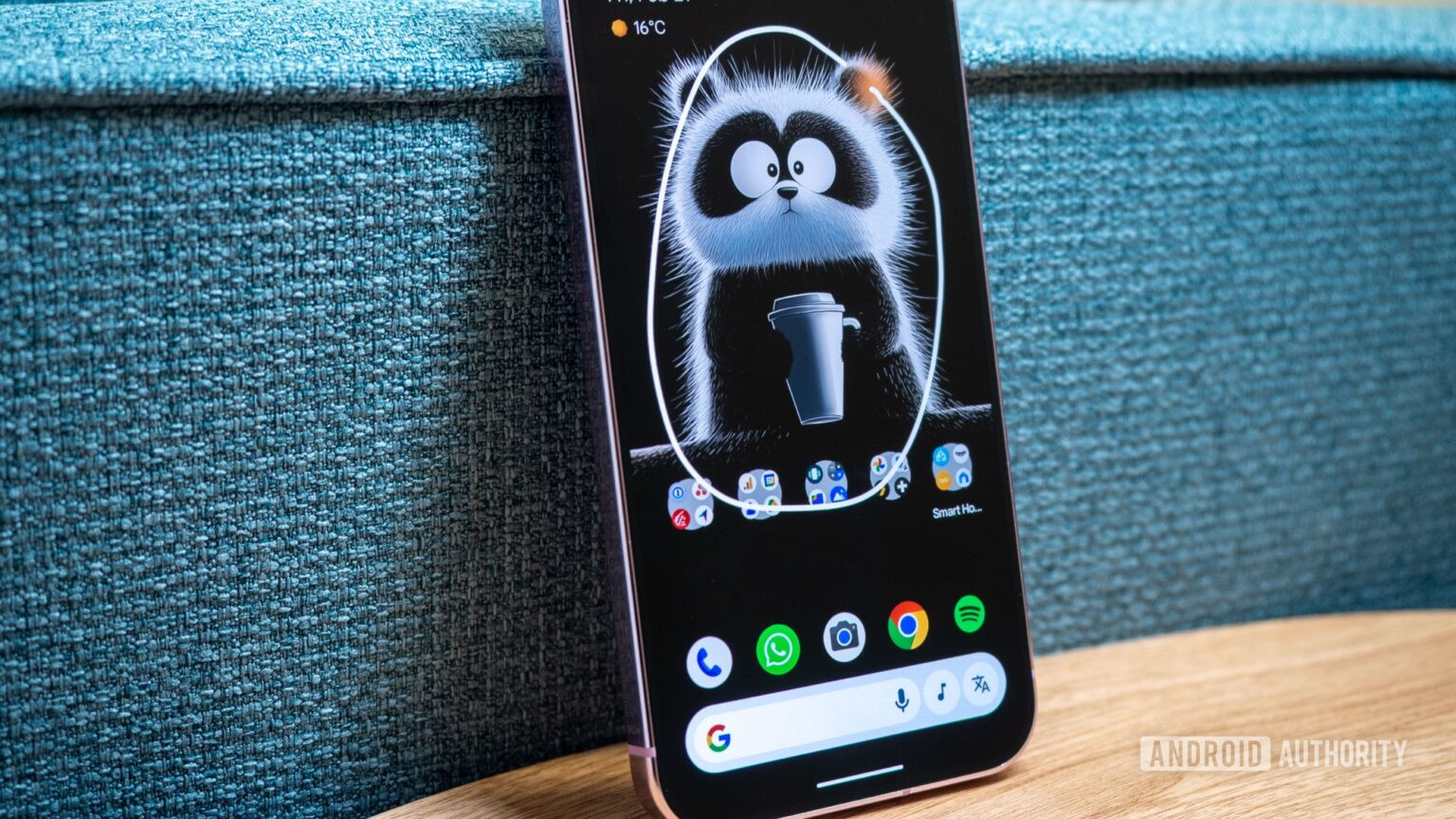
- A lesser-known Circle to Search trick lets you stack multiple searches on the same screen instead of stopping after one.
- Just long-press the gesture bar or home button again after the first result and circle another object to add more context.
- It’s basically an Easter egg that shows how fast and flexible the feature is, even if it won’t boost productivity.
Google’s Circle to Search has already changed how people search on Android. Now, instead of copying text, switching apps, or typing keywords, you just circle anything on your screen, and Google handles the rest. But a lesser-known trick making the rounds online shows the feature can go even further: you can stack searches on top of each other.
Tech observer Leah Lundqvist shared a short demo on X showing that you can stack these search circles as many times as you want. Instead of stopping after one search, you just keep long-pressing the gesture bar (or home button) after the first result. Each new circle adds more context, turning Circle to Search into a chain of connected visual searches. We’ve tried this trick, too, as you can see in the video below.