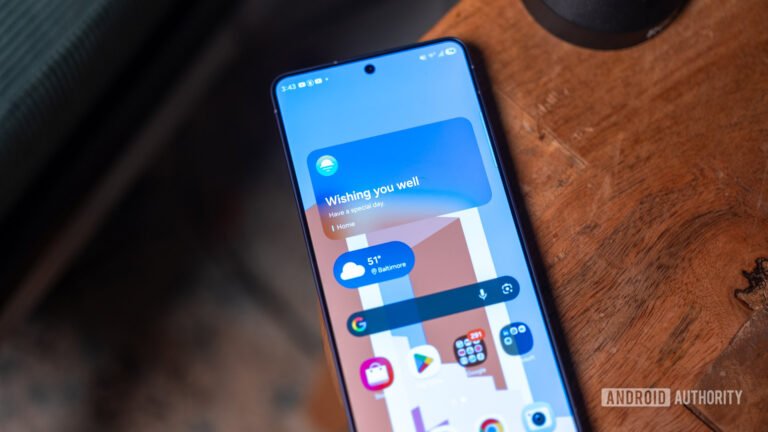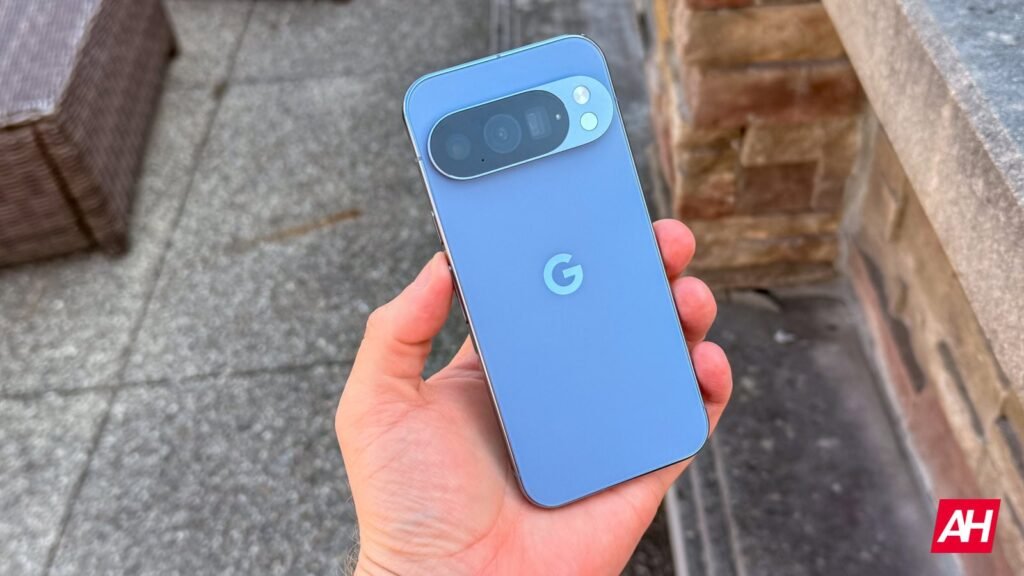

Major OS updates should breathe new life into premium hardware, making older generations feel snappy and fresh. Unfortunately, the transition to the stable Android 17 rollout is having the exact opposite effect for a segment of the Pixel community. Multiple user complaints across online forums suggest that a performance bug is causing several Google Pixel phones to severely drop frames while gaming after installing Android 17.
An embarrassing bottleneck
Google’s proprietary Tensor-powered smartphone family has never targeted hard-core mobile gaming enthusiasts. Still, modern flagships like the Pixel 9 series and the top-tier Pixel 10 Pro XL have more than enough graphical muscle to run basic, entry-level titles at maximum settings without breaking a sweat.
That baseline performance is falling apart under the stable Android 17 build. Players report intense lag spikes and total freezing on low-demand games such as Hill Climb Racing 2 and Clash Royale. Meanwhile, slightly more resource-heavy multiplayer titles like Brawl Stars show massive choppiness even while browsing menus (via Android Authority).
What makes the situation particularly bizarre is the universal nature of the flaw. The bug is not affecting a specific Tensor chip generation. Instead, there are poor performance reports from the older Pixel 8 up to the latest $1,200 Pixel 10 Pro XL. Ironically, this directly clashes with Google’s public marketing for Android 17. The firm highlighted a specialized internal framework called “DeliQueue” specifically engineered to reduce dropped frames and streamline heavy memory loads during real-time rendering.
Potential workarounds
Beyond the drop in graphic performance, users are also tracking some connectivity issues. They note the stable firmware occasionally triggers intermittent Wi-Fi drops where local network handshakes disconnect entirely every few minutes.
Google has yet to release an official acknowledgment or confirmation regarding the root cause. But in the absence of an official software patch, users are sharing temporary workarounds to restore acceptable frame rates.
The first method involves clearing the localized cache files for Google Play Services directly through the system app settings. Then, hard reboot your device.
Alternatively, users can manually override their graphics rendering pathways by unlocking the Developer Options menu. You can unveil this hidden section by heading to Settings, searching for “Software Version” and tapping it seven times. Then go to Graphics Driver Preferences and change the default option to “system graphics driver.” It is also recommended to change ANGLE Preferences from default to Angle in the specific apps that are giving you the most performance problems.
The Android Headlines Take
While it’s true that Tensor chips aren’t the best for gaming, experiencing these kinds of performance issues even in casual titles is unacceptable, especially considering that some Pixel 10 models have price tags of over $1000. Plus, it is quite common that, even after monthly updates, dozens of Pixel user reports of new problems or bugs start to surface. Given this, Google should change something in its testing protocols to prevent or mitigate similar situations.
The post Android 17 Is Making Premium Google Pixels Stutter like Cheap Phones in Basic Games appeared first on Android Headlines.