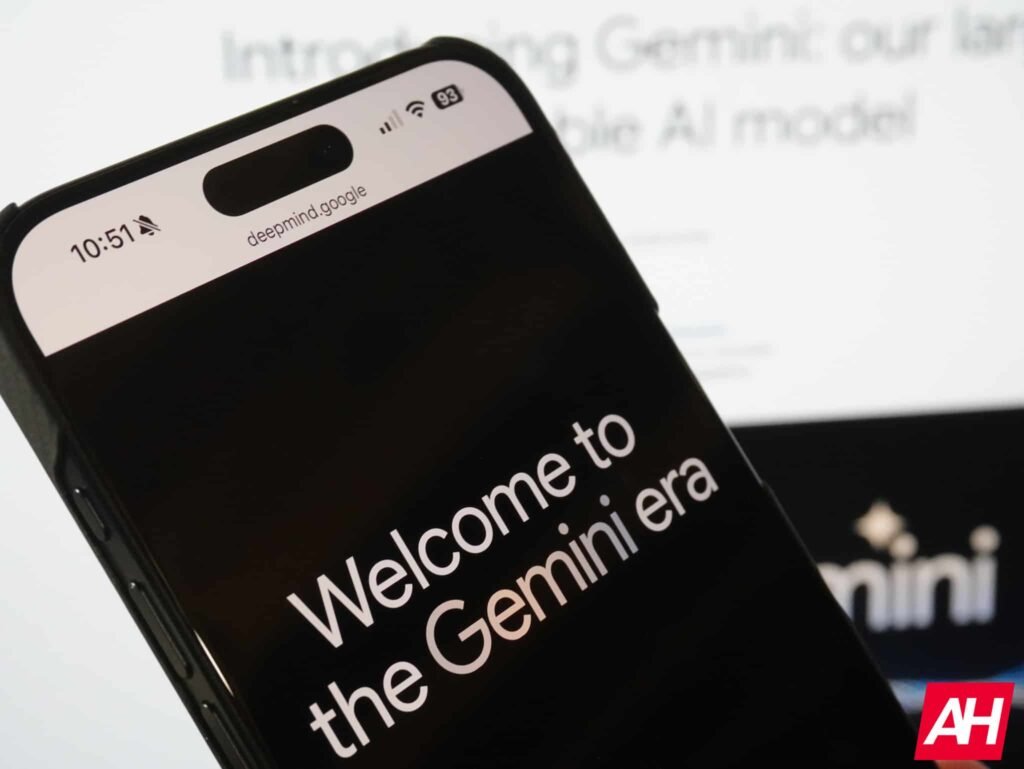

Using AI assistants on mobile screens can sometimes feel like an all-or-nothing affair. When you trigger the Gemini overlay on Android, it traditionally covers a large portion of the display, effectively locking you out of other apps until the conversation wraps up. Google is finally addressing that limitation with a dedicated “Minimize” button for the Gemini overlay.
Google has quietly begun rolling out the new feature. Positioned directly above or alongside the response container, the button lets you instantly shrink the Google Gemini overlay down into a compact, floating bubble featuring the spark logo.
Floating bubbles, background prompts, and gesture controls
The main benefit of this UI change is sheer flexibility. Instead of staring at a loading screen while Gemini processes a complex prompt, you can tap the minimize button and immediately jump back into your emails, social feeds, or web browser.
When collapsed, a small explanatory text box informs users that they can tap the bubble to expand the conversation, drag it around the screen to relocate it, or swipe to dismiss Gemini entirely (via 9to5Google).


The floating shortcut fixes to one of six preset positions around the display edges. It gives users quick access to their ongoing chats without taking over the active workspace. Alternatively, users running Android 17 can tap outside the sheet, use system back gestures, or leverage system-level bubble options for a broader multi-window setup.
A gradual rollout for Android power users
While the floating bubble is already appearing, Google seems to be taking a phased approach to the rollout. Early testers note minor bugs, such as the bubble resetting to the bottom-right corner after every minimization. This explains why Google is taking time to polish the feature before a wider launch.
Despite the slow rollout, the addition of a minimize shortcut makes Gemini feel much less intrusive in daily use. Google’s AI assistant is now moving from a static pop-up to a dynamic background tool, making it much more useful for real-world mobile workflows.
The post Google Gemini Gets Floating Bubble Shortcut for Easier Multitasking: Say Goodbye to Full-Screen Takeovers appeared first on Android Headlines.