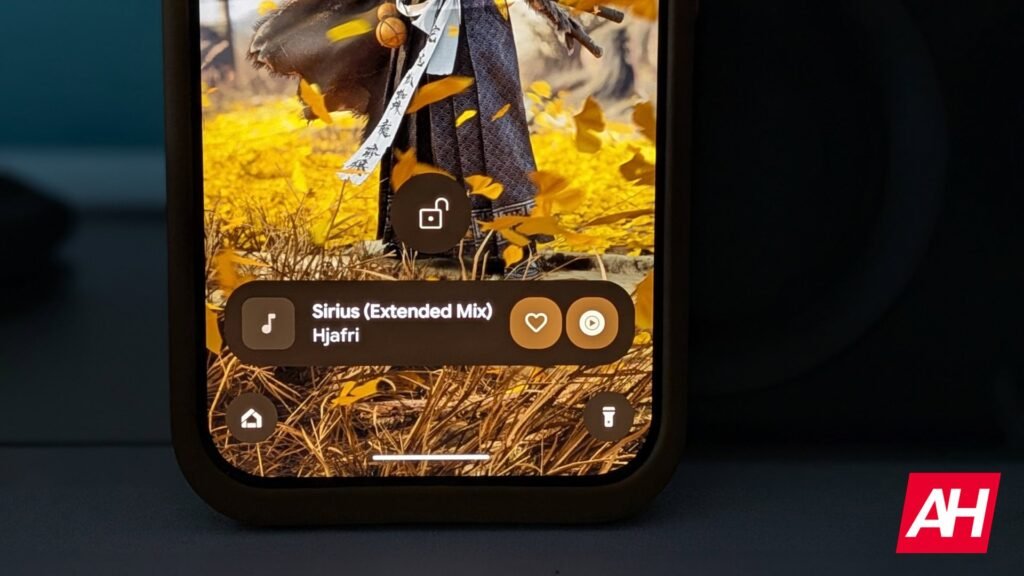

The Now Playing feature on Pixel devices doesn’t have notifications anymore as this was removed when Google gave the feature its own dedicated app. It was leaked back in February that an app was being released, and Google officially launched it for Pixel devices back in early March. Google further expanded on the feature/app in April when it re-added the “tap to see what’s playing” function from the lock screen.
This function in particular would let you tap that message without having to unlock the phone, after Now Playing picked up whatever song it could hear playing in the background. This was a quicker way for users to figure out what song was playing since the phone could stay locked. Notifications, however, give users another potential benefit. Which is that if a user taps the Now Playing button inside the app, a notification would then pop up in the panel, which would stay there until it’s swiped away. Giving the user a place to check the song they recently had the app recognize without having to open the app and look at the history. As Android Authority notes, notifications were also previously used to import songs into apps like last.fm. There is no indication that this would be possible again once the feature returns.
Now Playing notifications aren’t live yet, and the app could have multi-user support
The notification feature appears to be getting worked on by Google, as Android Authority notes that strings of code were found within the Now Playing app that reference the notifications specifically. After trying to activate it, the report says that they couldn’t get the feature to work.
Google is also reportedly working on another feature for the Now Playing app. One that would allow multiple users to track their own history of songs. This is directed at people who have multiple user profiles set up on a single Pixel device. As of now, song tracking history only works for the main profile. This would change that.
The post Google is fixing a mistake it made with Pixel devices a few months ago appeared first on Android Headlines.