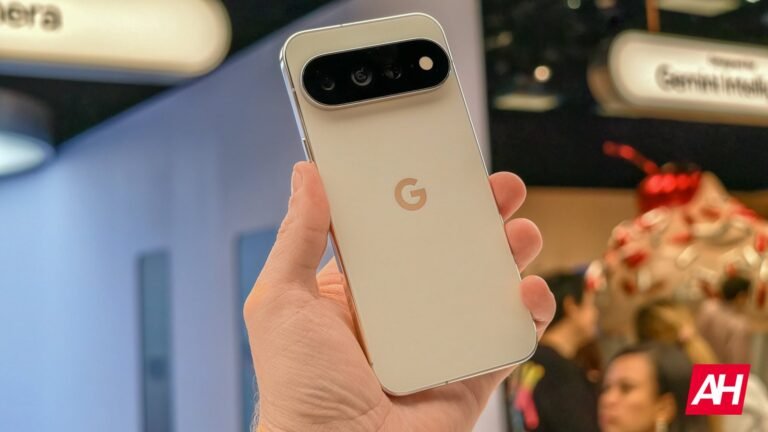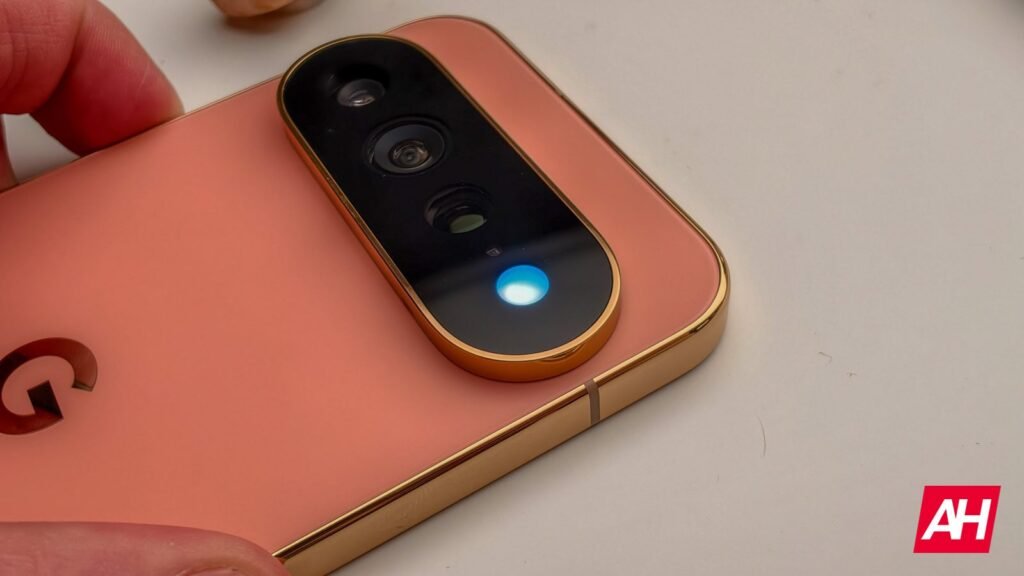

A new app called HiLight Studio is here to delight Pixel 11 Pro owners. Google’s Pixel 11 series was announced with several features and improvements over past phones, and one of the features that captured people’s attention was HiLight, an LED light on the back that changes colors for certain things. Many people assumed that this light would allow for custom colors of the LED for just about any notification. When Google announced the phone’s officially on August 12, however, it was also revealed that HiLight would only work with phone calls, and with Gemini.
For phone calls, users have access to five different colors, and the colors change based on the contact you assign to each color. The LED then flashes that color when they call. The HiLight LED will also flash a variety of colors when you interact with Gemini. It’s used as a means of letting you know that Gemini has heard you and is responding. This was not enough for one enterprising developer, who has created an app to open this feature up tenfold.
The HiLight Studio app lets you set colors and animated patterns
HiLight Studio doesn’t just let you change colors for the notifications of any app you choose. That in itself is already miles ahead of what Google developed for the HiLight LED out of the box. The new app didn’t stop at just a bunch more colors and third-party app access, though. It also lets you apply different animated patterns to the notification color so it flashes the chosen color in the pattern you select.
As noted by Android Authority, there are a handful of different patterns which include Wave, Breathe, Rainbow, Pulse, and Comet. There are others too. Additionally, the app has settings for configuring quiet hours and a whole lot more according to the screenshots shared by the developer, Dhananjay Bhosale. All of this being said, installing this app will take some doing. It doesn’t come from the Play Store, and requires a bit of setup to get things working. It also requires that access be restored after every reboot. So when you power cycle your phone, you’ll need to grant access again.
Instructions on how to set things up can be found at the official GitHub page for the project.
The post HiLight on the Pixel 11 Pro works as it should have thanks to this app appeared first on Android Headlines.