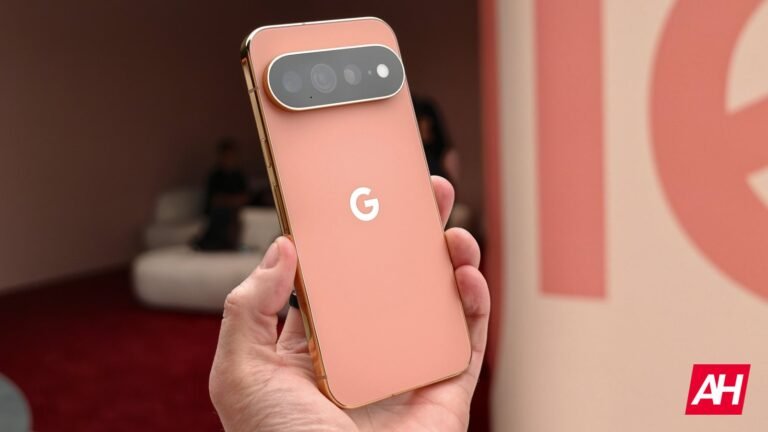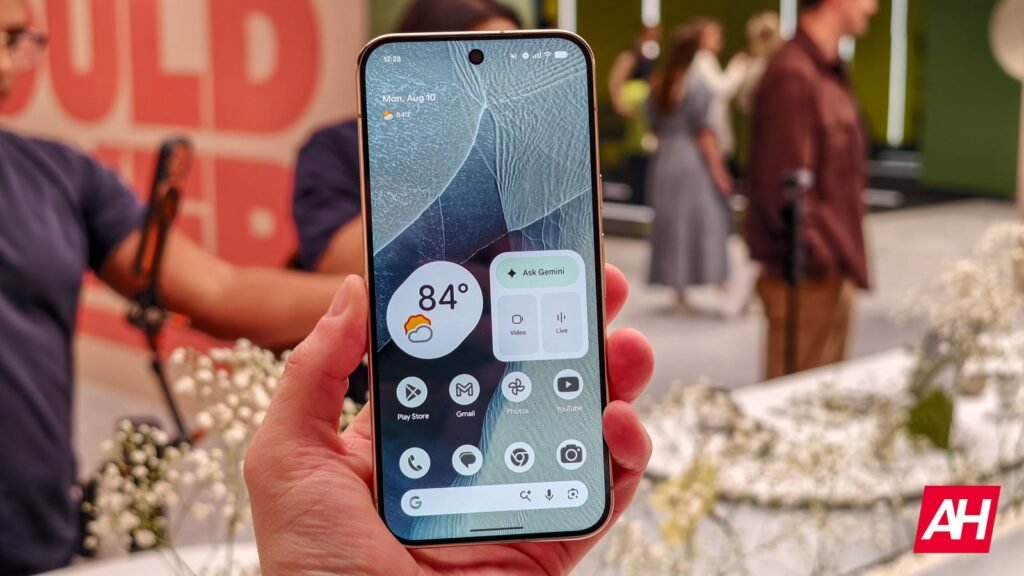

After months of leaks and rumors, the Google Pixel 11 series is finally official. There are four phones once again this year: the Pixel 11, Pixel 11 Pro, Pixel 11 Pro XL, and the Pixel 11 Pro Fold. Now that these phones have been announced and are in people’s hands, we’re getting other details, including the wallpapers.
The wallpapers aren’t that interesting this year; they’re mostly neutral colors and match the Pixel 11 colors that are available to purchase. But hey, these are still some great-looking wallpapers. There are also dark mode versions of these wallpapers included here, though they are all pretty dark to begin with, so it’s not a huge deal.
To download these, right-click and select “Save Image As,” and you’ll then be able to use them as Wallpaper on your current phone or really any other device.
How to set a Wallpaper on Android
For those that might be unaware, or need a refresher course, here’s how you can set a wallpaper on Android:
- Launch the Settings app.
- Select Wallpaper & style.
- Tap on More wallpapers.
- Find and select Wallpaper.
- Tap on Custom Wallpaper, then hit Set Wallpaper.
- Choose whether you want to set Wallpaper on your Home screen or Lock screen (or highlight both).
- Pick Set.
This is a great way to make it look like you have the new Pixel 11, without spending a dime, other than a few minutes of downloading and setting these wallpapers. I’m a bit impartial to the blue-purple options here. But the Canyon-colored one also looks quite good.
We also wrote yesterday how Google has greatly improved the speed of installing updates. Previously, OTA updates were painfully slow to install, but so far we’ve noticed that they’re incredibly fast by comparison. So Google has quite a few quality-of-life improvements here.
Google Pixel 11 Wallpapers


Google Pixel 11 Pro Wallpapers


Google Pixel 11 Pro Fold Wallpapers


The post Download the Official Google Pixel 11 Wallpapers Right Now for Free appeared first on Android Headlines.