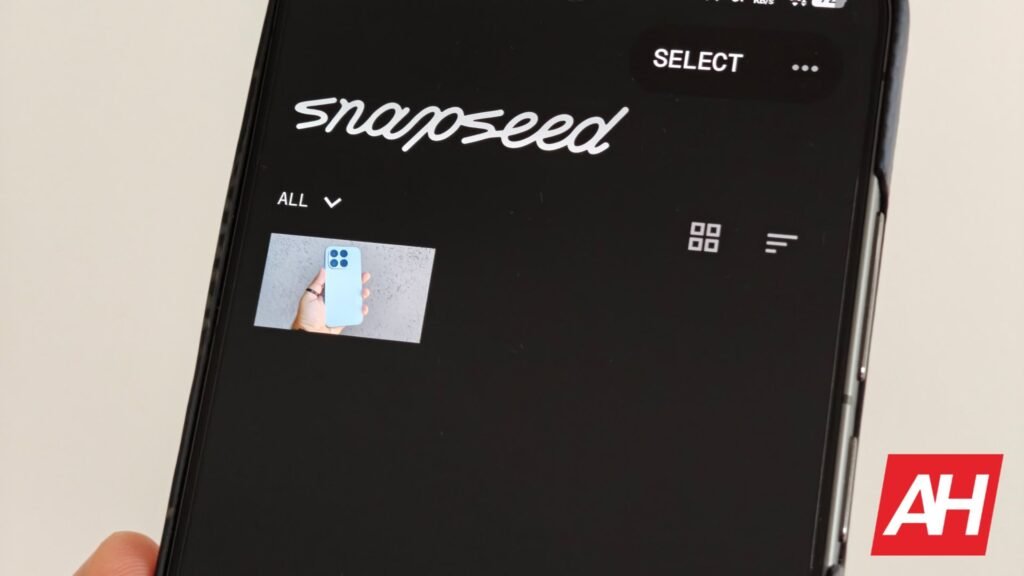

As some of you will recall, back in May, Google released a major update to Snapseed. Version 4.0 dropped with a major redesign and new features. Since then, we’ve seen bug-fix updates, but now Google has added a new feature to the experience.
A new Snapseed update has arrived with Grid Lines and Level tools
Snapseed 4.0.8 is rolling out as we speak, and it introduces Grid Lines and Level tools. You can choose between Rule of Thirds, 2×2, and Golden Ratio when it comes to grid lines. Do note that grid lines are disabled by default.
When it comes to the ‘Level’ tool, that one is enabled by default. There are three items at your disposal here: Flat-Lay, Horizon, and Tilt. We’re talking about the Android update here, though there’s an iOS twist as well.
On the iOS version of Snapseed, users also get Location Metadata and Format options. We do hope that Google will bring those options over to Android as well, and in the near future.
Now, if you’d like to access and enable Grid Lines, you’ll need to launch the Snapseed Camera, tap the settings button in the top-right corner, and there you’ll see the options.
All of this is a part of Snapseed 4.0.8, which is now rolling out via the Google Play Store, in stages, though.
The Android Headlines Take
Snapseed has been quite popular with Android users ever since Google bought it back in 2012. It was updated from time to time, but it felt like it didn’t get the attention it deserved from Google. Then, back in May, Google finally redesigned the whole thing and brought new functionality to the application.
The impressions after that update are mostly positive, and we agree, even though the previous look was good enough. Snapseed is quite user-friendly, and it does give you a ton of image-editing features. It’s far more than most people will require, in all honesty. Seeing Grid Lines and Level tools added is just a major bonus. This app sure is easy to recommend both before and now as well.
The post Google Just Made Snapseed Even Better for Photographers With Two New Tools appeared first on Android Headlines.