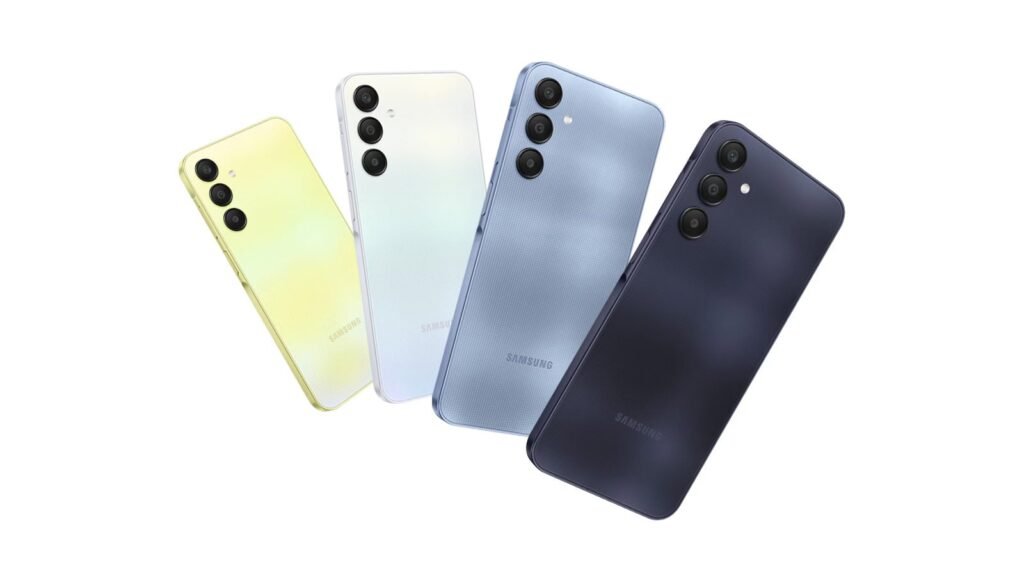

After its flagships, foldables, tablets, and mid-range models, Samsung has once again opened the floodgates for the stable One UI 8.5 rollout. If you own a budget Galaxy device and are patiently waiting for the update notification, here’s some good news. In a massive expansion, the One UI 8.5 update is now reaching a bunch of affordable Galaxy A or M-series phones.
Samsung rolls out One UI 8.5 to a range of Galaxy A and M-series phones
As per reports, the Galaxy A34, Galaxy A25, Galaxy A16 4G, and Galaxy A06 5G are among the A-series models getting the taste of the One UI 8.5. The update to the Galaxy A34 and A25 carries the firmware versions A346NKSUEFZE6 and A256NKSU9EZE8, respectively. It is currently live in South Korea, but we’re sure it’ll expand to other regions in no time.
Similarly, the Galaxy A16 4G is getting the One UI 8.5 update in South Korea and carries the firmware version A165NKSU7DZE7. Meanwhile, the Galaxy A06 5G is getting the update in India and carries the firmware version A066BXXU6CZE6. That rounds off the Galaxy A-series models. Beyond these, some M-series models are also receiving Samsung’s Android 16 QPR2 based updated.
The update is reportedly live in select regions
One UI 8.5 is heading to the Galaxy M16 5G and Galaxy M35 5G. The update to the former is now live in South Korea and carries the firmware version M166PXXU5DZE2. Meanwhile, the Indian variants of the Galaxy M35 are getting the update right now. But like always, it will expand to more regions in the next few days. The update carries the firmware version M356BXXU8DZE3.
The update is rolling out in phases, so it might take some time before it reaches all users. Also, the firmware versions might vary depending on the region. Without too many UI changes, One UI 8.5 introduces some subtle changes, new Quick Panel customization options, overhauls One UI core apps, and improves overall system stability with smoother animations.
If you own any of the Galaxy models mentioned above, you can check for the One UI 8.5 update manually. Head to Settings > Software update > Download and install. Since it’s a major update, it’s recommended to have at least 30% battery charge. Also, connect to a stable Wi-Fi network.
The post Samsung Speeds Up One UI 8.5 Rollout, Hits More Galaxy phones appeared first on Android Headlines.