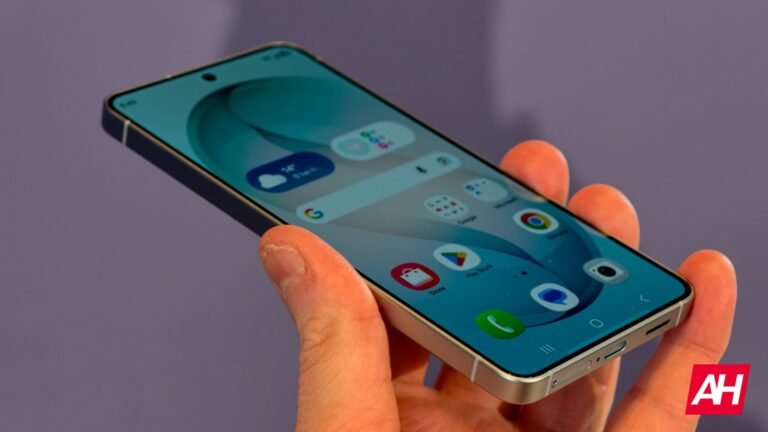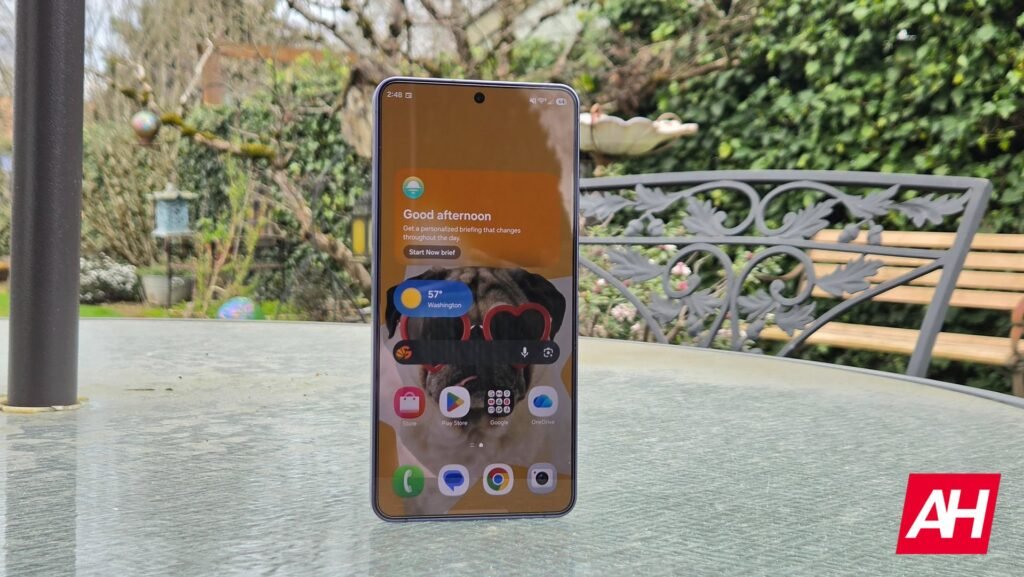

Samsung is busy rolling out the stable One UI 8.5 to its flagships and some A-series models. On the sidelines, it also began beta testing its next major update, One UI 9, based on Android 17, for the Galaxy S26 series. As with any major update, jumping into the beta train means you will also be losing access to some apps that aren’t fully optimized. If you’re wondering which Good Lock modules work well with the One UI 9 beta, the official compatibility list is here.
Samsung reveals the list of Good Lock modules that are compatible with One UI 9 beta
On the Samsung Korean community forum, the company has posted a list of Good Lock modules that have gained One UI 9 compatibility status. The post also includes the list of modules that are currently under development. These should also gain compatibility status as the development progresses. The list of Good Lock modules that are compatible with One UI 9 includes the following:
- One Hand Operation Plus
- Sound Assistant
- Keys Cafe
- Theme Park
- Wonderland
- Edge Lightning Plus
- Dropship
- Galaxy To Share
- Routine Plus
- Nice Catch
- Edge Touch
- Camera Assistant
- RegiStar
- Display Assistant
- Nice Shot
- Gallery Assistant
Some are not compatible yet
For what it’s worth, the list covers the majority of modules and also the main ones, like the Theme Park, Wonderland, which most of the Galaxy device users actively use. On the flip side, there are certain apps/modules that are still not compatible and are being worked on. These include QuickStar, LockStar, ClockFace, NavStar, Home Up, MultiStar, and Game Booster Plus, which help boost the gaming experience.
Since One UI 9 is currently in beta testing, it doesn’t come as a surprise that some Good Lock modules are not yet compatible. But then, Samsung says that it’s working to make all Good Lock modules available when the stable version of the update is ready in the coming months.
The post Want to Try One UI 9 Beta? These Are the Good Lock Compatible Modules appeared first on Android Headlines.