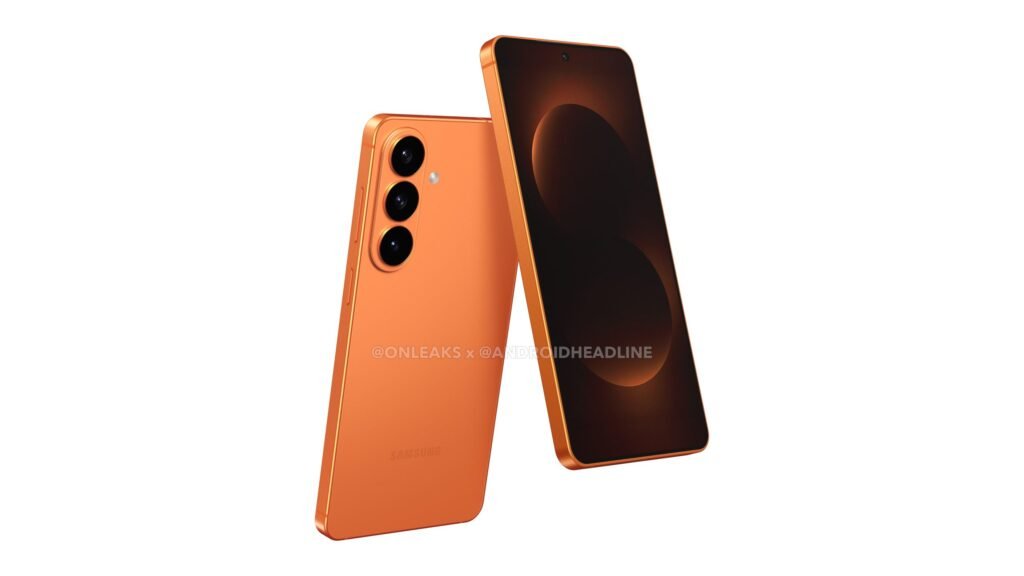

Samsung is preparing to unveil the Galaxy S26 series next week. And while leaks have pointed to a pretty boring update, there is a feature coming to the Galaxy S26 Ultra that would be worth upgrading for. And that’s the new Privacy Display feature.
Privacy Display, which Samsung Display showed off a couple of years ago at MWC, is able to limit the viewing angle of the content on the screen. This is to keep those nosey people around you from seeing what’s on your display. And now, thanks to X user @tarunvats33, we have a couple of screenshots showing off the settings for this feature.
The first setting is for Auto Privacy, which will automatically use Private Display when you use sensitive apps and when you’rein crowded places. Now there are some typos on these screens; this is likely because it’s an early build, but they should be worked out before the launch next week. You can also set up manual settings for Privacy Display with custom conditions, and there’s even a toggle for Maximum privacy. This will make the screen dimmer than usual.
As far as privacy triggers go, you can turn this on for public places. We’re unsure right now how it would know you’re in a public place, perhaps using the front-facing camera and microphones to listen for noise. There’s also toggles for what you see on the display like the screen lock and images. This means that you can check out those spicy images in your gallery without others around you seeing it.
Finally, you can also decide what is private, just the notification, or picture-in-picture.


This won’t be coming to the Galaxy S25 series
Unfortunately, since Privacy Display is a hardware feature, this won’t be coming to older devices like the Galaxy S25 Ultra or the Galaxy S24 Ultra. Much like Gorilla Glass Armor on those two devices didn’t come to older devices.
If you’re someone that takes public transit a lot, this alone might be a good reason to upgrade to the Galaxy S26 Ultra this year.
The post The Galaxy S26 Ultra’s Privacy Display Auto-Detects Crowded Places And Locks Down Your Screen appeared first on Android Headlines.