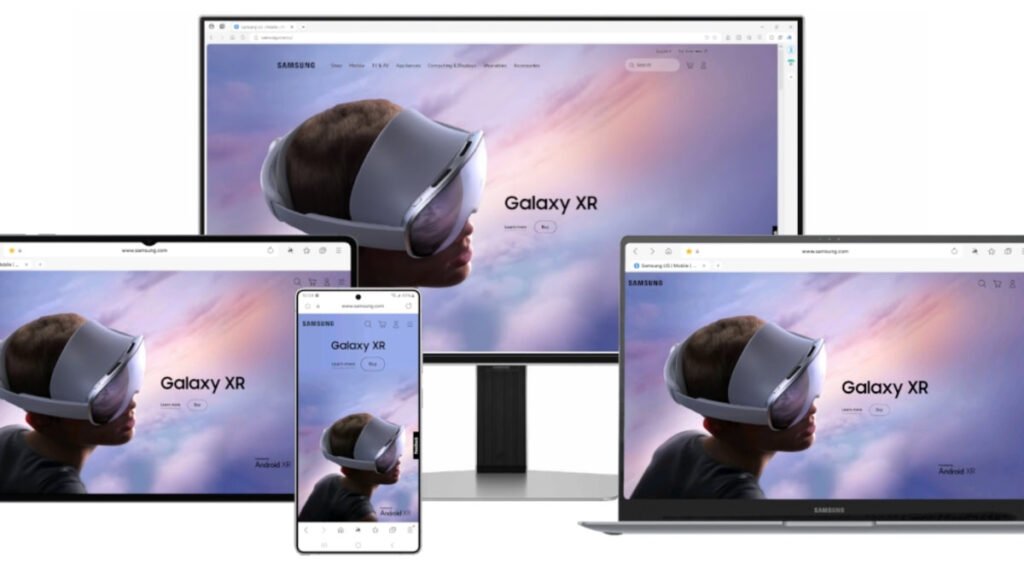

Samsung Internet, which was renamed to Samsung Browser on Galaxy phones and tablets earlier this month, is now getting the same treatment on Windows as well. But that’s not the big news. The Samsung Browser, which had been in beta on Windows for quite some time, is now finally getting a stable release worldwide.
The stable version of Samsung Browser for Windows is now available globally
Samsung released version 30.0.9.95 of Samsung Browser for Windows, marking a major milestone as it moves out of beta. The browser reportedly works on any computer running Windows 10 (version 1809 or later) or Windows 11. It’s also available globally. The browser brings features like cross-device continuity, AI features, and much more.
As a refresher, Samsung launched the PC version of its browser last year, but it initially had some restrictions. It was only available to users in South Korea and the US and also needed a Samsung Developer account. However, in January this year, these restrictions were lifted, as it was available to everyone. But then, it continued to be in beta. That is changing now, finally.
AI capabilities and Samsung Pass integration
Samsung Browser lets you switch between your computers, tablets, and smartphones. For instance, if you open a webpage on Samsung Browser on your Android phone and then switch to your computer, you can continue browsing from where you left off. This requires you to sign in with the same Samsung account on both devices. It also supports syncing bookmarks and browsing history.
There’s perplexity integration, enabling agentic AI features. The Samsung Browser can apparently understand natural language and can help fetch information from the web or compile information from multiple open tabs. Users can also summarize a webpage or translate it into a language they understand. That said, AI features are only available in South Korea and the USA, for now. They will expand to more regions in the future.
Samsung Browser can search your browsing history using natural language queries. It can even understand context within videos. The browser can identify specific segments based on the query and jump directly to that part of the video. Thanks to Samsung Pass integration, the browser can autofill login credentials across websites and payment details like credit card information. Lastly, one can also create notes using Samsung Notes integration.
The post Samsung Internet for Windows Is Officially Stable, Now Called Samsung Browser appeared first on Android Headlines.