
Razer has announced a Web Beta version of its Synapse tool that will allow you to adjust and customize settings for your peripherals. Razer Synapse Web Beta, much like its software counterpart, which you need to install, gives users a way to tweak the different features offered by their accessories.
The web version is intended to give people a way to adjust these things on the go. It’s ideal for anyone who might frequent places like cyber cafes with gaming PCs. You might not be allowed to install anything on these PCs since they’re for public use, and if Razer Synapse isn’t already installed, then you can’t adjust anything on your device. Razer’s peripherals support onboard profiles, but that doesn’t do you any good if you need to change something on the fly. That’s where the Web Beta comes in handy. It works with Chromium-based browsers, and that includes Microsoft Edge, Google Chrome, and Opera.
As this is a web app, it’s also ideal for settings like esports tournaments and LAN parties, or just if you need to switch to a shared PC that might not have the software. Not unlike those at cyber cafes and gaming cafes. There is one notable caveat, however.


Razer Synapse Web Beta has limited compatibility right now
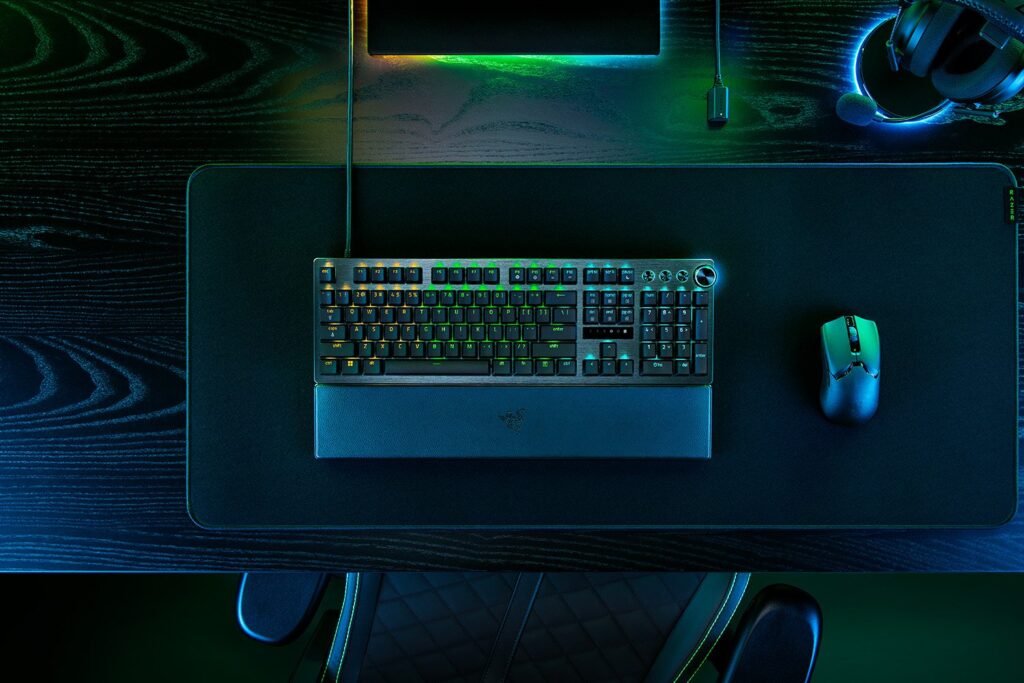
The one drawback with this new version of Synapse is that it isn’t compatible with all Razer peripherals. For the time being, it’s only compatible with Razer Huntsman products. More specifically, the Razer Huntsman V3 Pro 8KHz, Razer Huntsman V3 Pro TKL 8KHz, and Razer Huntsman V3 Pro Mini. That’s a pretty small list of devices considering all of the different gaming peripherals Razer sells. So if you need to tweak something on, say, the Razer Raiju V3 Pro or the Wolverine V3 Pro 8K PC, you’ll have to make sure all the settings are tuned via the software app. Then save those profiles.
Luckily, Razer is planning to expand the list of compatible devices for the web app. So, it won’t stay this small for long. In short, while you won’t need to install Synapse if you have one of the supported devices, you will need it for everything else. For the time being. You can access the web app here.
The post Razer Synapse gets a web version so you can avoid installation appeared first on Android Headlines.