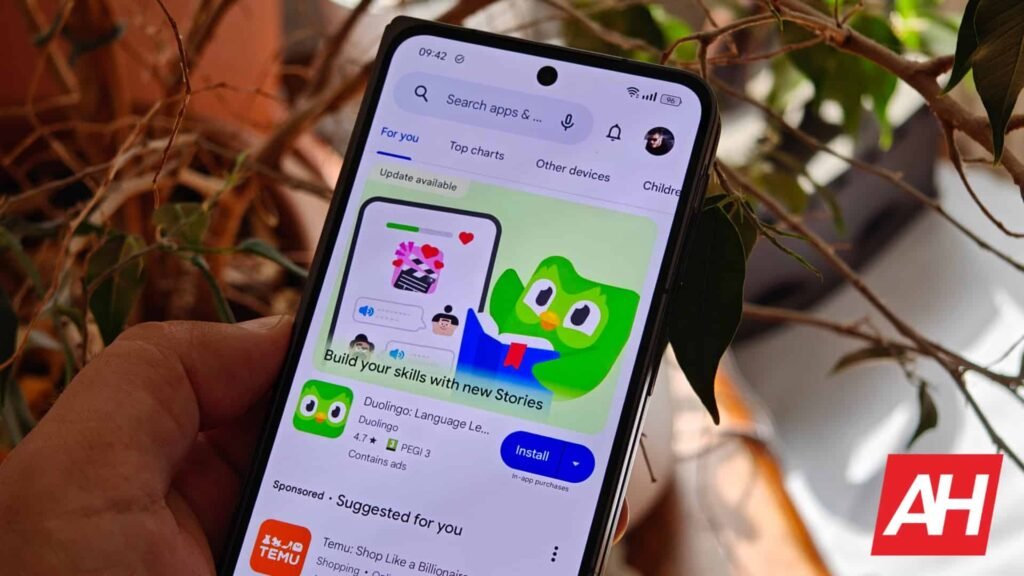

Say you’re about to download an app from the Google Play Store, but have a specific query about it. For instance, to know if it can cause battery drain. Scrolling through hundreds or thousands of reviews is practically not possible. Though the AI summary in Google Play’s Ratings and reviews helps, it doesn’t always have the answers. To address that, Google Play Store now allows you to search through app reviews.
Google Play Store now lets you search through app reviews
There’s now a new search option in the reviews sections of the app listings. You can access the search function by tapping the ratings right below the app’s name and then tapping “See all reviews.” Or, you can scroll down to the Ratings and reviews section of the app to find it right below the AI-generated reviews summary. Tapping the search button moves the review section to the top of the screen, and you’ll see a search bar with “Search reviews” text.
As the name suggests, it allows you to search for specific information in user reviews. You can type a few words in the search, and it will show all the reviews with those specific keywords. Google will also highlight your keyword in bold, making it easy to spot among user reviews.


There are some limitations, though
However, unlike the main Google Play search, this doesn’t surface a dropdown list of suggested searches as you type. This means you have to hit the search button on your keyboard to know whether reviews with that keyword exist. Also, the feature only looks for reviews with specific matches to your search terms. For now, you can use suggestions under the search bar for popular issues. Furthermore, Android Authority reports that the search function won’t show results if you type a single word. You must type at least a couple of words to get results.
Either way, Search in Play Store reviews is rolling out with the version 50.7.24-31 of the Play Store. Google also confirmed this feature via a support page article.
The post No More Scrolling: Google Play Store Makes it Easy to Search App Reviews appeared first on Android Headlines.