- Google Wallet’s upcoming redesign focuses on starring favorite passes for quick access on the home screen.
- A new “View more” button leads to a management landing page, which then requires another tap to see all passes.
- The upcoming redesign will also add the ability to reorder passes and sort them alphabetically or by recently opened.
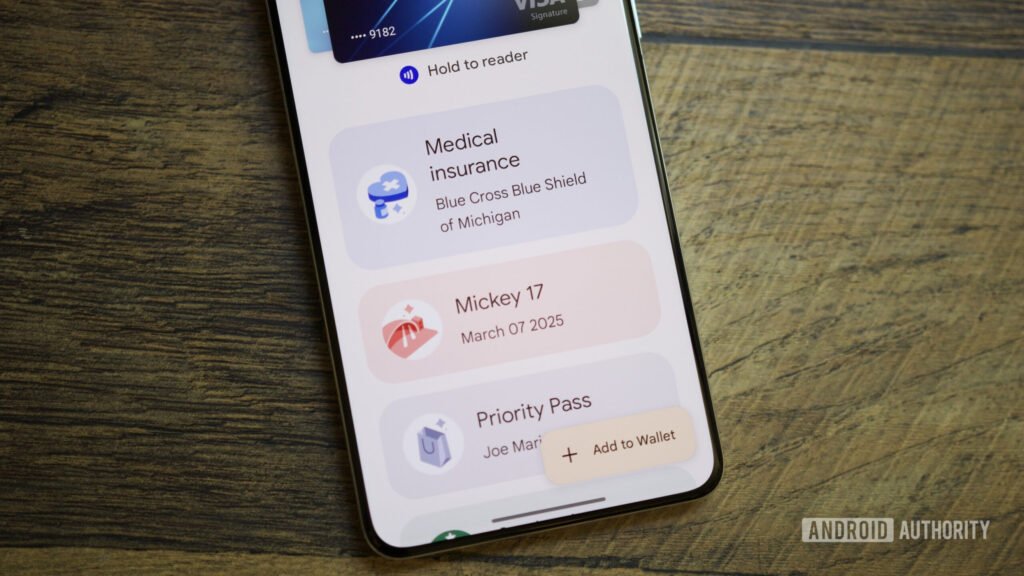
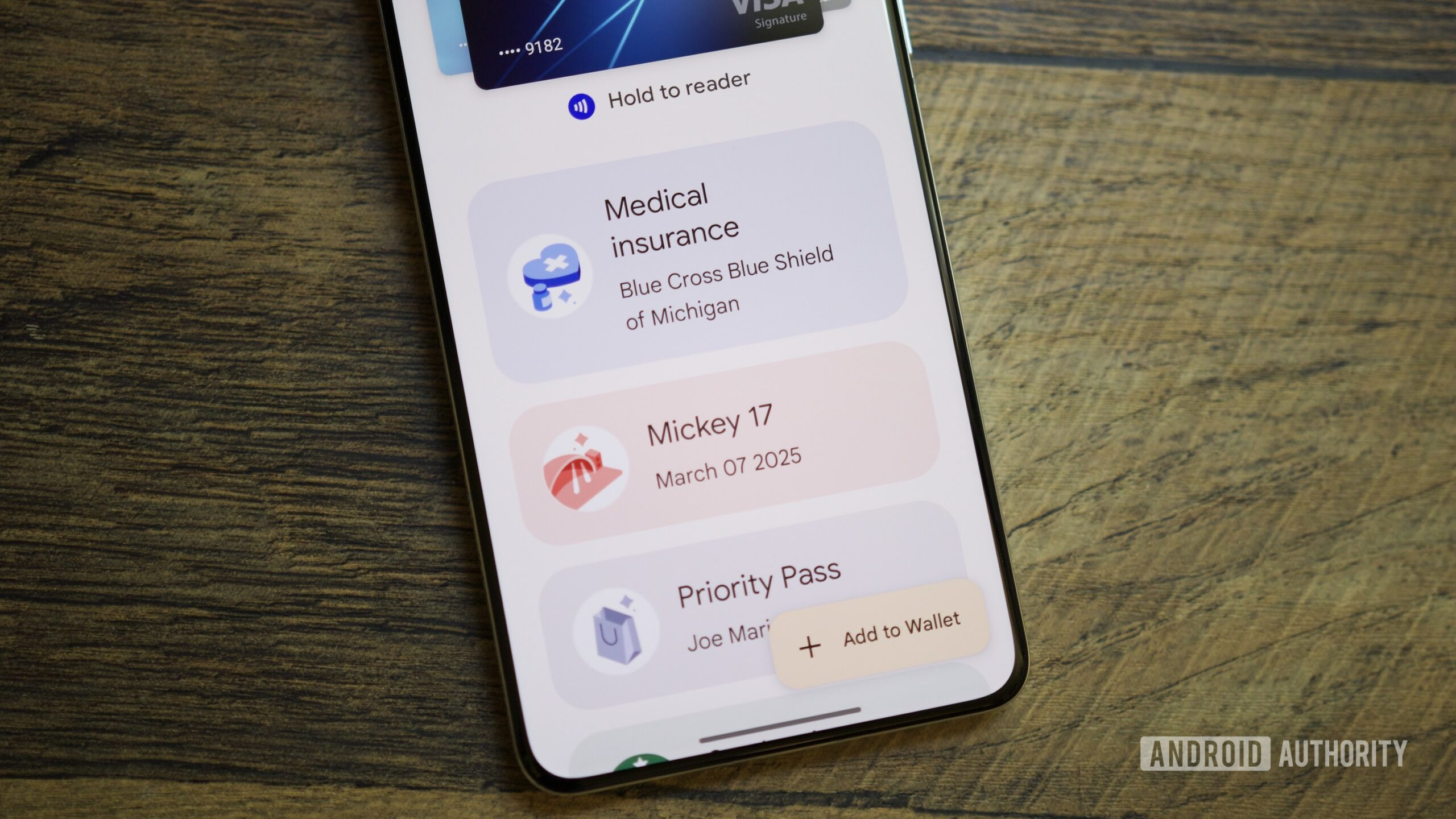
Last week, we showed off Google Wallet’s upcoming home screen redesign, which centers on starring passes. It appears to be a nice change that focuses on the passes you think you’ll need the most. There was also a “View more” button, which we presumed would house the rest of your passes. The button didn’t work then, but with the latest Google Wallet v26.5.862583415 release, we now have a better idea of what this “View more” button on the upcoming home screen redesign would do.
You’re reading an Authority Insights story. Subscribe to our new Authority Insights newsletter for more exclusive reports, app teardowns, leaks, and in-depth tech coverage you won’t find anywhere else.
Through the new app version, we’ve found out that the “View more” button will take you to a landing screen with a search bar and some settings, and it also includes a “View more passes” button. Tapping this button finally takes you to a screen that displays all your passes, making it a two-step process to access them.