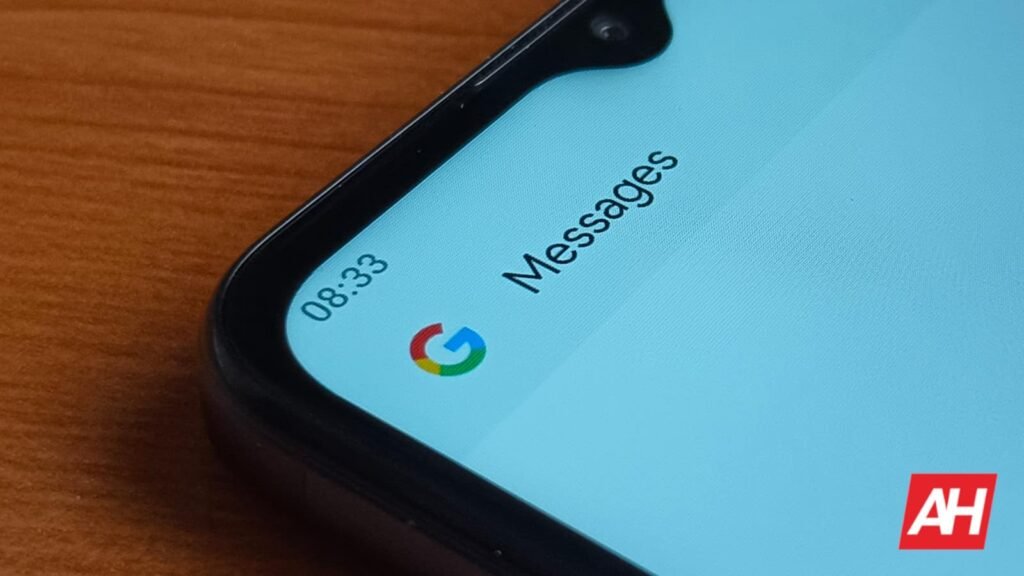

Google is rolling out a fresh update to its Messages app, introducing a photo and video viewer redesign. The updated UI design of the media viewer brings clean-looking visuals and more intuitive control options. The update aims to improve how users browse images within conversations and adds subtle interface refinements throughout the app.
Google Messages gets a new update with a photo viewer redesign
After months of testing, Google Messages is rolling out a major update to its media experience for both stable and beta users. The updated full-screen media viewer now changes the way images and videos appear once selected in a conversation. Users will now be able to see the hints of adjacent on the left and right. This will allow for quick swiping through photos without leaving the viewer.
Moreover, the background takes on the blurred version of the selected media. The main media now appears with rounded corners and a more prominent layout. A shortcut powered by Nano Banana’s Remix feature lets users tap into an even cleaner full-screen mode. Users can also see the information, such as who sent the media and when it was delivered, at the top of the screen. A three-dot menu provides actions such as Forward, Share, Star, and View details.
The update aims to change how users interact with media
At the bottom portion of the viewer, users can now access a row of emoji reactions, including Photomoji, which can be expanded with a full picker. A comment counter will appear on the lower left. Clicking on it will open an inline conversation tied to that specific media. In the main conversation screen, Google Messages now groups photos sent at the same time. However, individual items will be sent one by one upon arrival.
Google has also introduced a small but noticeable change to the in-app full-screen camera. The bottom corners of the camera interface will now appear rounded. The beta test of the following feature has been in testing since June. It is now rolling out to the stable audiences. Users can navigate to the Play Store to check and update the application.
The post Google Messages Introduces Modern Photo Interface With Viewer Redesign appeared first on Android Headlines.