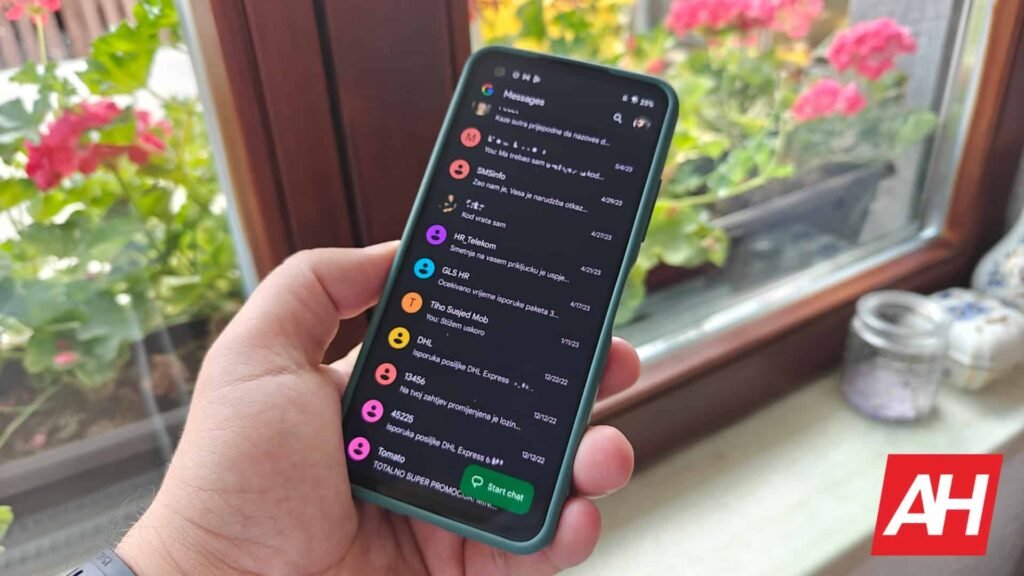

Google Messages Web platform lets you use the messaging app on your laptop without the hassle of cables or third-party apps. Accessing this is quite seamless, too. You just need to head to Google Messages web and sign in with your Google account or scan the QR code via the Google Messages app on your phone. It seems things are about to change. Google Messages Web will be losing the QR code login option soon.
Google Messages Web is losing the QR code login option soon
As spotted by 9to5Google, using the QR code pairing option shows a new prompt that reads, “Sign in with your Google account to stay connected.” It specifically mentions that QR code pairing is going away soon. The prompt further says, “To avoid interruption, sign in with your Google Account to pair with Messages for web.” After you enter credentials, you have to match the emoji that shows up on the web and on your phone. This is to verify your identity.
Google wants all its core services to be accessible via a central Google account. So this move seems to be in that direction. Since most users would already be signed in to their Google account, this change only eliminates an additional physical action of reaching out to the phone.

No specific deadline yet
The move to phase out the QR code login option can be a privacy concern in shared environments. It forces users on shared devices to sign in to access Google Messages Web, and they need to ensure they sign out of their Google account once done using Google Messages on the web.
The QR code scan option was the original sign-in method before Google introduced Account logins in 2023. Google hasn’t given out an exact date when it will remove the QR code option. It’s only giving a vague “soon” deadline, for now.
The post Google Messages for Web is Losing QR Code Sign-in Option appeared first on Android Headlines.